We use 2FA for emails but casual upload 4K face scans to random free websites? Learn why 'Free Online Editors' are a security nightmare for Indian citizens, and how 'Local-First' tools protect you from AePS fraud.
We live in a world of paradoxes. We buy sophisticated VPNs to hide our browsing history. We enable Two-Factor Authentication (2FA) on our email. We refuse to share our phone number with cashiers at the mall.
Yet, when we need a passport photo, millions of us take a high-resolution, perfectly lit, front-facing photo of our face and upload it to a random website called "FreePassportPhoto123.com".
This is a catastrophic security blind spot. In the age of AI, Deepfakes, and Aadhaar-enabled payments, your face is your password. And unlike a password, if it gets compromised, you cannot change it. You cannot get a new face.
The "Free Tool" Economy: You Are The Product
Process this logically: Running a GPU server to process images (remove backgrounds, enhance resolution) is expensive. It costs real money (Electricity + Hardware) per minute. If a website offers this to you for free, without ads, how are they paying the bills?
The answer is often Data Brokerage.
- Dataset Sales: Facial recognition startups need millions of labeled faces to train their models. "Clean" images (like passport photos) are worth 10x more than "wild" images (like Facebook photos) because they are standardized.
- Surveillance Databases: Some data brokers scrape these uploads to build unauthorized identity databases used by private investigators or debt collectors.
- Indefinite Storage: Read the Terms of Service. Many state they have a "perpetual, worldwide license" to store your content.
The Specific Risk to Indian Citizens (Aadhaar & AePS)
In India, biometric data is linked to everything—Bank Accounts (via AePS), SIM cards, and Property registration. This makes Indian citizens targets.
The "Silicone Finger" & Deepfake Threat:
Scammers are now using "AePS Fraud". They download high-res biometric data (fingerprints/face) from leaked databases to clone identities. A high-resolution passport photo is the first step in creating a "Deepfake Video KYC" to bypass bank verification checks or open mule accounts.
The Safety Rule: Never upload biometric documents to a server unless it is a government official portal (like passportindia.gov.in or uidai.gov.in).
The "Cyber Cafe" Risk
Many people go to a local cyber cafe to print or edit their photos. This is dangerous:
- USB Auto-Copy: Viral malware on cafe PCs can auto-copy any file you plug in via USB.
- Recycle Bin: Did you delete the file after printing? Or is it sitting in the Recycle Bin for the next user to recover?
- Browser Cache: The browser history stores copies of viewed images.
Solution: Use MojoDocs on your OWN phone/laptop. Generate the ready-to-print sheet. Then send only that final sheet to the printer, which is safer than giving them your raw files.
The Solution: "Local-First" Architecture
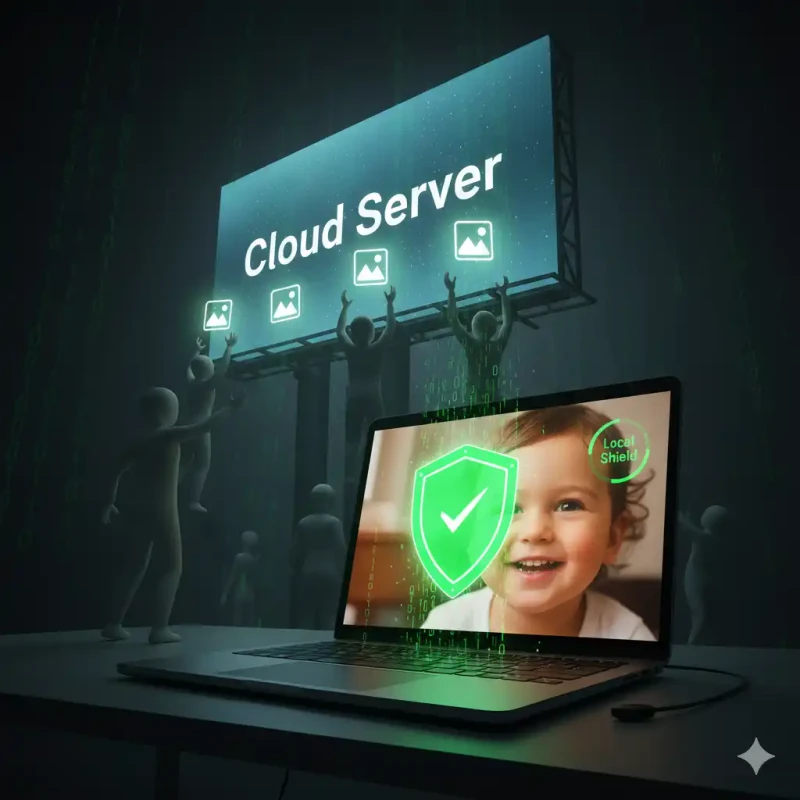
At MojoDocs, we fundamentally disagree with the Cloud-First approach for sensitive data. Why send a 5MB sensitive file to a server in Virginia (US) to crop it, when your laptop has a Ryzen or Apple Silicon processor that can do it in milliseconds?
We built MojoDocs on WebAssembly (WASM). This is a game-changing technology that allows powerful code (C++/Rust) to run inside your web browser.
How It Works (The Lifecycle of a MojoDocs Photo)
- In-Memory Load: When you select a file, it is loaded into your browser's dedicated RAM slot (Blob URL).
- Sandboxed Processing: Our Background Removal AI model is downloaded once to your cache. It then runs completely offline inside the browser sandbox.
- Local Rendering: The cropping, resizing, and 4x6 tiling happen on your device's CPU.
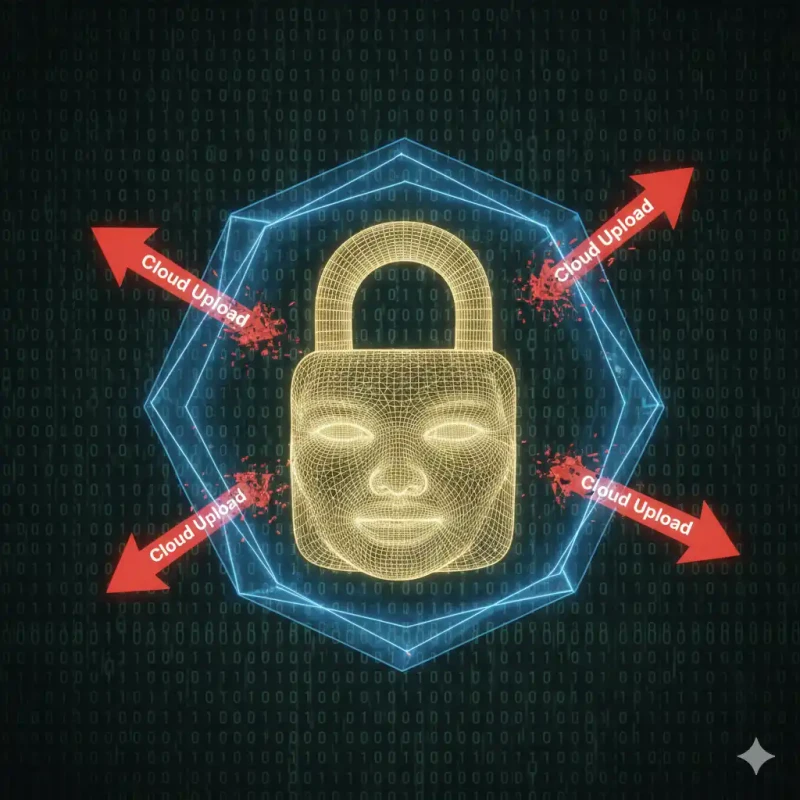
- Zero Network Traffic: If you open your browser's "Network Tab", you will see 0 upload requests leaving your network. The file never leaves your machine.
How to Verify This Yourself (The "Flight Mode" Test)
We encourage skepticism. "Don't Trust, Verify". Here is how any user can audit our security claims in 30 seconds:
The Audit
1. Open MojoDocs Passport Tool.
2. Wait for the initial UI to load.
3. Turn off your WiFi / Pull the Ethernet cable. (Go Offline).
4. Upload a photo. Remove the background. Crop it. Save it.
It still works perfectly.
This proves physically that no data could possibly have been sent to a server. Try this with Canva or Adobe Express—they will crash immediately.
A Note on "Edge AI"
You might ask, "But you use AI to remove backgrounds?"
Yes, but "AI" doesn't have to mean "Cloud". We utilize Edge AI. We use a quantized neural network (optimized model) that is small enough (approx 5MB) to be downloaded to your browser. It uses the neural engine (NPU) on your phone or laptop. This gives you the magic of AI without the privacy cost of the Cloud.
Conclusion
In 2026, data sovereignty is the new digital divide. There are those who own their data, and those who lease it to corporations.
When it comes to your face—your most permanent identifier—choose Ownership. Choose Local. Use tools that work for you, not on you.