Authentication Failed? Image too large? Learn the exact dimensions, file sizes, and background rules for NTA and UPSC exams, and how to fix your photos instantly without uploading them.
It is that time of the year. The JEE Mains, NEET, or UPSC Civil Services notification is out. You have studied for 18 months. You are ready.
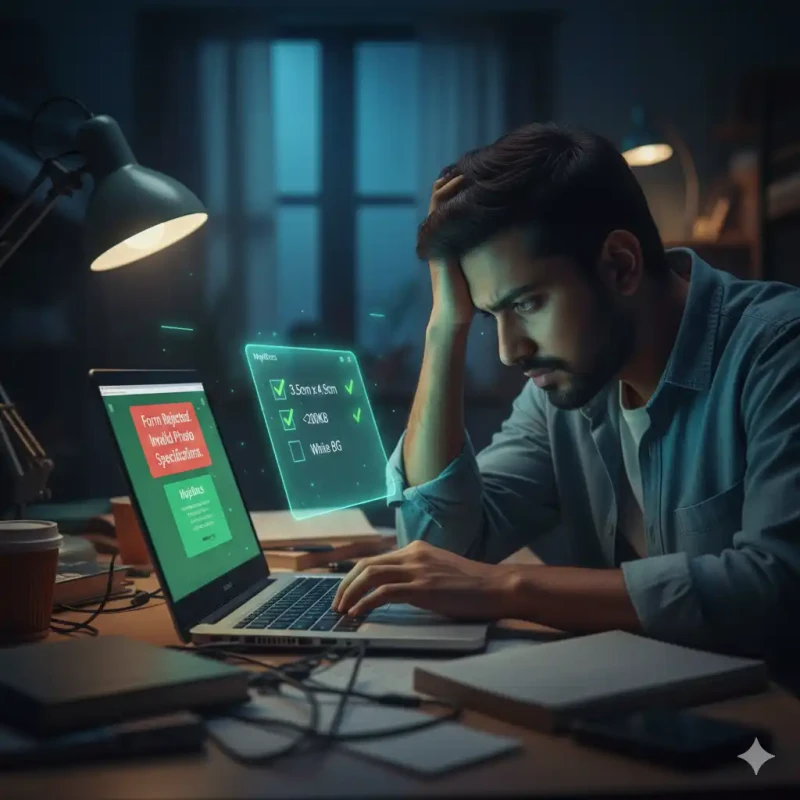
You sit down to fill the form. You upload your photo. Error: "File size must be between 10KB and 200KB".
You try again. Error: "Invalid Aspect Ratio".
It is frustrating. The server is slow, the deadline is approaching, and you are fighting with JPEGs. This guide is your cheat sheet to clearing the "Technical Verification" stage of any Indian government exam instantly.
The "Golden Standards" (NTA & UPSC Rules)
While every exam is slightly different, 90% follow the NIC (National Informatics Centre) standard.
| Requirement | Passport Photo | Signature |
|---|---|---|
| File Size | 10KB - 200KB | 4KB - 30KB |
| Dimensions | 3.5cm x 4.5cm | 3.5cm x 1.5cm |
| Background | White Only | White Paper |
Problem 1: The "White Background" Requirement
You probably have a photo on your phone where you look good, but you are standing in a room. NTA will reject this.
The Fix: Use MojoDocs Background Remover.
- Upload your selfie.
- It cuts you out.
- Select "White Background".
- Download as JPEG.
Note for UPSC: UPSC requires the "Date of Photograph" to be written on the photo. You can easily add this using the "Edit" function in any basic image viewer AFTER removing the background.
Problem 2: The "File Too Large" (>2MB)
Today's phones take 5MB photos. The portal wants 200KB. That is a 96% reduction.
If you just "Resize" it, it might become blurry. You need "Compression".
The Fix: Use MojoDocs Smart Compressor.
- It uses Lossy Compression algorithms.
- It removes invisible metadata (Exif data, location GPS).
- It merges similar colors to save space.
- Result: A 5MB photo becomes 150KB visually identical photo.
Problem 3: The Signature Scan
Scanning a signature often results in a grey, muddy image. If the file size is too small (<4KB), it might look pixelated.
Pro Tip: Use a thick Black Marker. Thin ballpoint pens disappear when compressed to 4KB. The thick marker ensures the signature remains legible even at low resolution.
Why Not Use Random Sites? (Privacy Check)
You are uploading your Aadhaar Card, 10th Marksheet, and Biometric Photo.
If you upload these to a generic "Free Image Resizer", you are putting your identity at risk. These documents are gold for identity thieves.
MojoDocs is Local. When you compress your Aadhaar card on MojoDocs, the file stays on your laptop. We don't see your grades. We don't see your ID number. It is the safest way to prepare for your exam.
Conclusion
Don't let a technical glitch ruin your application. Prepare your assets: Photo, Signature, Thumb Impression.
Run them through MojoDocs to ensure they meet the <200KB and White BG rules. Then submit with confidence.