Still hitting the '20 Images Limit' on TinyPNG? Discover why local-first compression is faster, unlimited, and free forever. A detailed technical comparison of the world's top image optimizers.
For a decade, the cute Panda at TinyPNG.com has been the default bookmark for every web developer and designer. It does one thing, and it does it well: It squashes PNGs and JPGs without making them look ugly.
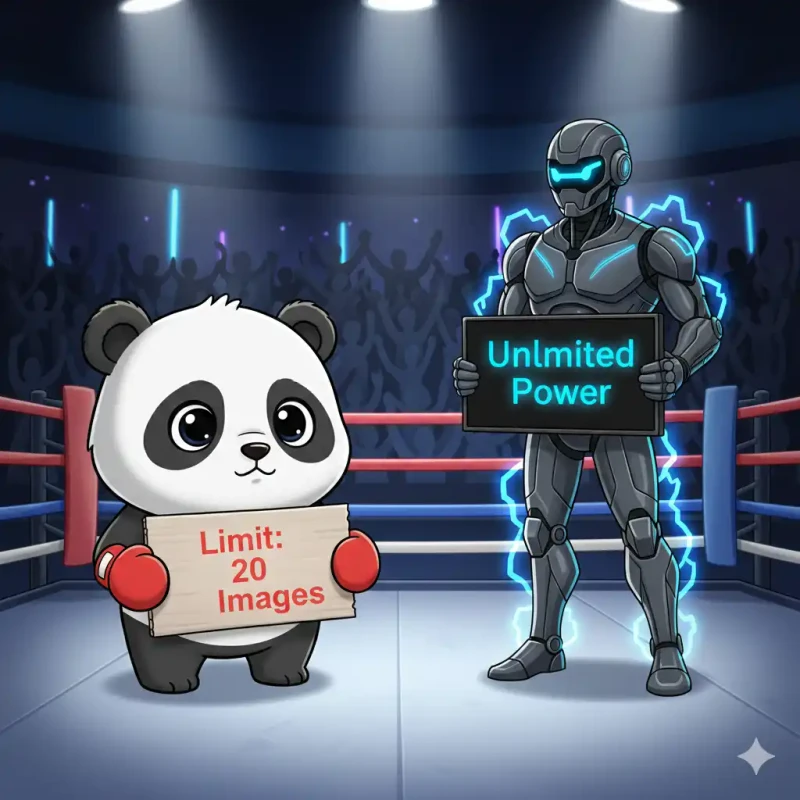
But every designer knows the frustration. You drag in a batch of 50 photos for a client website. The first 20 turn green (Success). The next 30 turn red with the error: "Free limit reached. Upgrade to Pro."
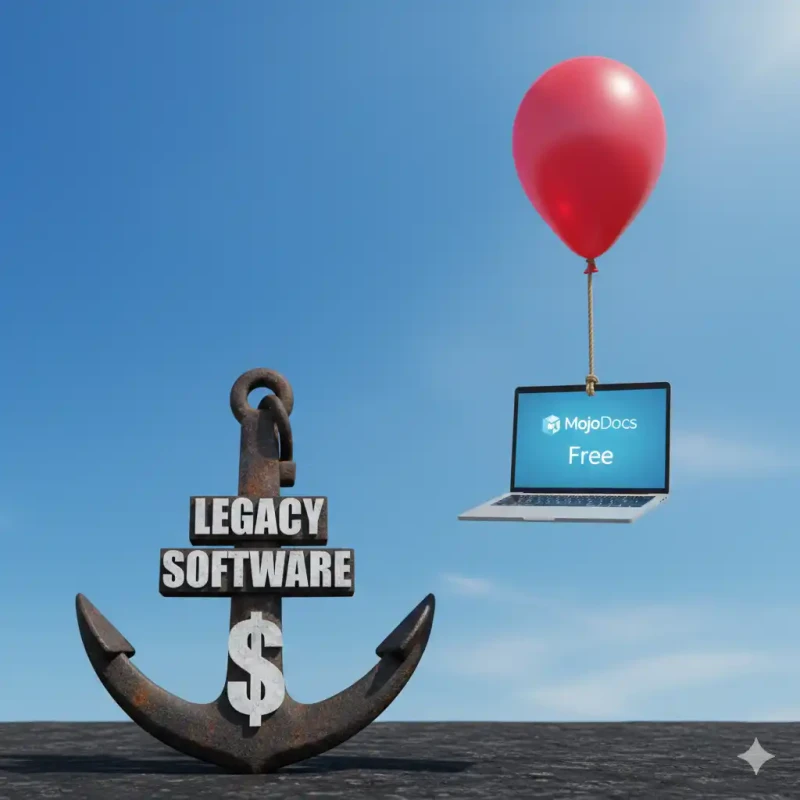
You have two choices: Wait for tomorrow (who has time?), or pay $39/year.
In 2026, paying for creating JPEGs feels archaic. We built MojoDocs to kill this frustration. We offer the exact same mathematical compression quality, but with zero limits.
The "Limit" Economy vs The "Local" Economy
Why does TinyPNG have limits? Is it greed? No. It's physics.
TinyPNG runs on a Server-Side model. Every image you upload uses their CPU, their RAM, and their AWS Bandwidth. If they let everyone compress unlimited images, they would go bankrupt. They have to charge you to cover their cloud bills.
MojoDocs is different. We use Client-Side WebAssembly. When you drag 500 images into MojoDocs, your computer does the work. Since we don't pay for the compute, we don't need to charge you.
Feature Showdown: The Metrics That Matter
| Feature | TinyPNG (Free) | MojoDocs (Free) |
|---|---|---|
| Batch Limit | 20 Images | Unlimited |
| Max File Size | 5 MB | Unlimited (RAM dependent) |
| Format Support | JPG, PNG, WEBP | JPG, PNG, WEBP, AVIF, TIFF |
| Privacy | Uploads to Cloud | Local Only |
Quality Test: Is MojoDocs actually as good?
Many people stick with TinyPNG because "It just works". They fear that other tools will make their images blurry.
The Answer: We use the exact same open-source libraries that power the best paid tools.
- For JPEG: We use
MozJPEG(developed by Mozilla). It is the industry standard for aggressive web compression. - For PNG: We use
OxiPNG(a multi-threaded Rust re-write of OptiPNG).
This means if you compress a file on MojoDocs and TinyPNG at the same "Quality 80" setting, the result is mathematically nearly identical. We aren't reinventing the wheel; we just moved the wheel from their server to your browser.
The "Confidential Asset" Use Case
Imagine you are working for Apple or Marvel Studios. You have assets for an unreleased product or movie. You need to email them, so you need to compress them.
Do you really want to upload "Secret_Hero_Suit_Leak.png" to a third-party server?
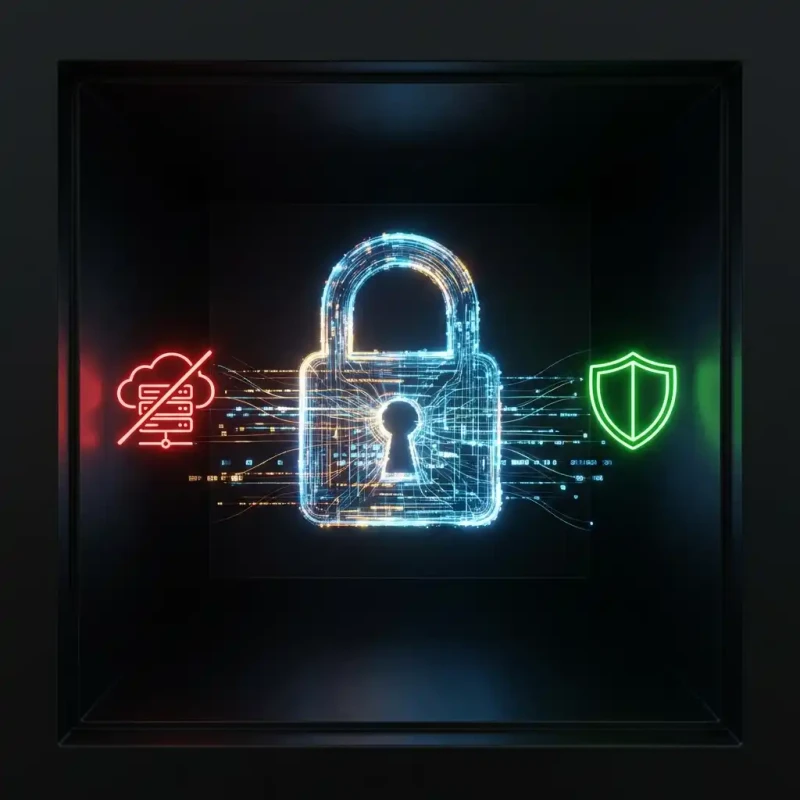
With MojoDocs, you can conduct a security audit. Disconnect the internet. The compression still works. This guarantees—beyond a shadow of a doubt—that the asset never leaked.
How to Switch to a Local Workflow
If you are a web developer or SEO specialist, here is your new workflow:
- Export all your assets from Photoshop/Figma at 100% quality (Don't optimize yet).
- Open MojoDocs Compressor.
- Drag the entire folder (100+ files).
- Let your CPU fan spin for 30 seconds.
- Download ZIP.
You just saved $39 and 20 minutes of waiting.
Conclusion
TinyPNG was a hero of the 2015 web. But the 2026 web demands more speed, more privacy, and fewer paywalls.
It's time to let the Panda retire. Use the power of your own machine.