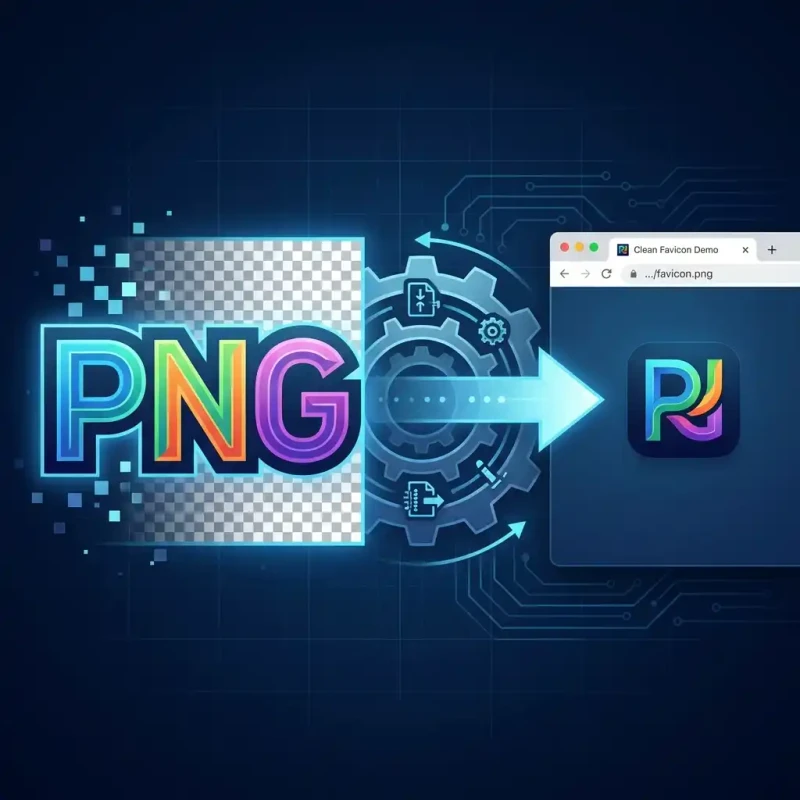
Building a website? Learn how to generate compatible .ico files from your PNG logos instantly using MojoDocs' free browser tool.
You have built a beautiful website. But look up at the browser tab—is that a generic gray globe? Missing a favicon is the easiest way to make your site look amateur. To fix it, you need a .ico file.
Modern browsers can technically use PNGs for favicons, but the legacy .ico format is still the gold standard for compatibility. It is a unique format because it's a "container"—a single .ico file can actually hold multiple versions of your icon (16x16, 32x32, 64x64) so it looks crisp on both low-res screens and Retina displays.
MojoDocs makes creating these complex files trivial.
Why Can't I Just Rename .png to .ico?
We see this all the time. Changing the file extension does not work. The internal data structure of a PNG and an ICO are completely different. If you just rename it, browsers will fail to load it.
You need a converter that actually re-encodes the image bits. That is what MojoDocs does.
The "Multi-Size" Magic
When you drop a high-res PNG (say, 500x500px) into MojoDocs and select "ICO" output:
- We downscale your image to 256x256, 48x48, 32x32, and 16x16.
- We pack all these sizes into a single binary file header.
- We output a
favicon.icothat works everywhere.
Traditional tools might just give you one size, leading to pixelated icons on high-DPI screens. We engage "Smart Scaling" to ensure your brand looks sharp.
How to Create Your Favicon
1. Prepare Your Source
Start with a square image (1:1 ratio). A 512x512 PNG with a transparent background is ideal.
2. Convert with MojoDocs
Drag your PNG into the Image Converter. Select "ICO" from the dropdown list. Click Convert.
3. Install on Your Site
Download the file. Rename it to favicon.ico. Place it in your website's root folder and add this code to your <head>:
<link rel="icon" href="/favicon.ico" sizes="any" />Conclusion
Branding is in the details. Don't let a missing favicon undermine your hard work. Generate a professional, multi-size .ico file in seconds with MojoDocs.