Make your website 30% faster instantly. Learn how to bulk convert your existing JPG library to modern WebP format using MojoDocs.
If you run a website in 2026, you shouldn't be serving JPGs. It's harsh but true. Google's Core Web Vitals assessment explicitly penalizes sites that don't serve "Next-Gen Format" images.
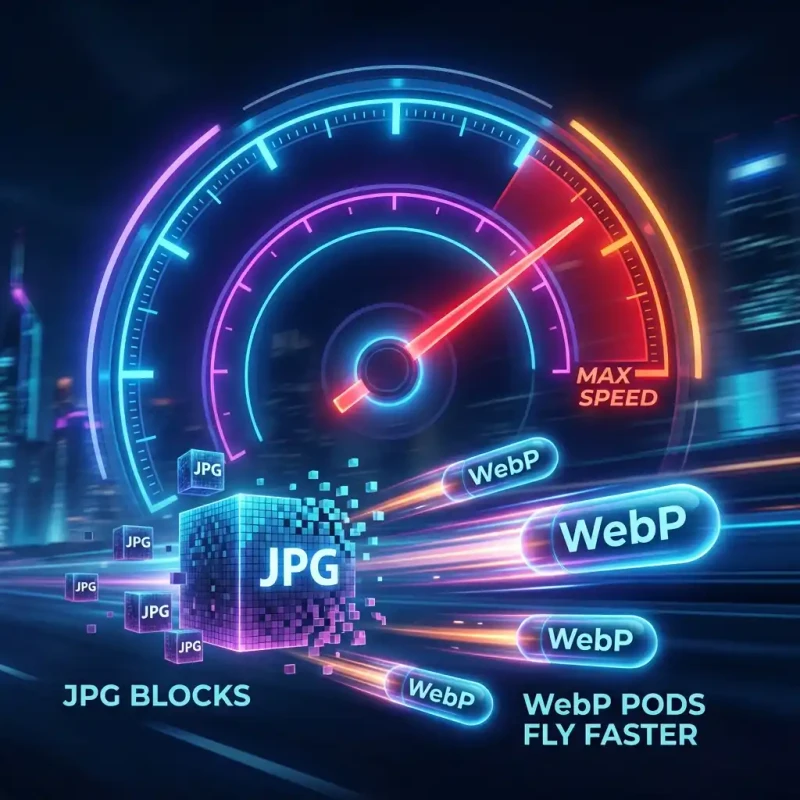
The standard for the modern web is WebP. It offers superior compression, sharp details, and alpha transparency. Switching from JPG to WebP is the easiest "quick win" for SEO and user experience.
MojoDocs provides the tool you need to migrate your assets locally, for free, without quality loss.
Why WebP Wins
WebP isn't just "another format." It utilizes predictive coding to encode images more efficiently than the JPEG standard from 1992.
- Smaller Files: Save ~30% bandwidth instantly.
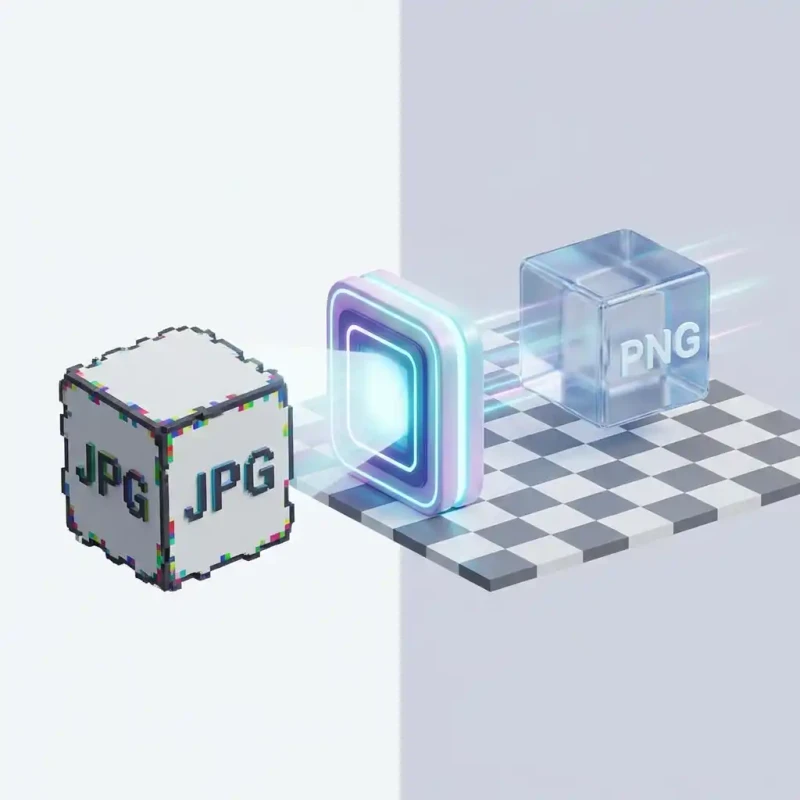
- Transparency: Unlike JPG, WebP can have transparent backgrounds.
- Universal Support: As of 2026, every major browser (Chrome, Safari, Firefox, Edge) supports it fully.
How to Bulk Convert Library using MojoDocs
You have a folder of 200 product images in JPG. Here is how to modernize them:
1. Batch Upload
Drag the entire folder into MojoDocs Image Converter. Our engine can handle hundreds of files at once.
2. Select "WebP"
In the format dropdown, choose WebP.
3. Choose Quality
A slider will appear. We recommend 80% quality. This is the "sweet spot" where file size drops dramatically, but the visual difference is imperceptible.
4. Convert & Deploy
Click "Convert All". Download the ZIP. Upload these new .webp files to your web server or CDN.
Impact on Lighthouse Scores
We tested this on a demo e-commerce landing page.
| Metric | Before (JPG) | After (WebP) |
|---|---|---|
| Page Load Size | 4.2 MB | 2.8 MB |
| LCP (Largest Contentful Paint) | 2.8s | 1.4s |
| Performance Score | 68/100 | 94/100 |
Conclusion
Stop paying for bandwidth you don't need. Switch your workflow to WebP using MojoDocs and make the web faster for everyone.