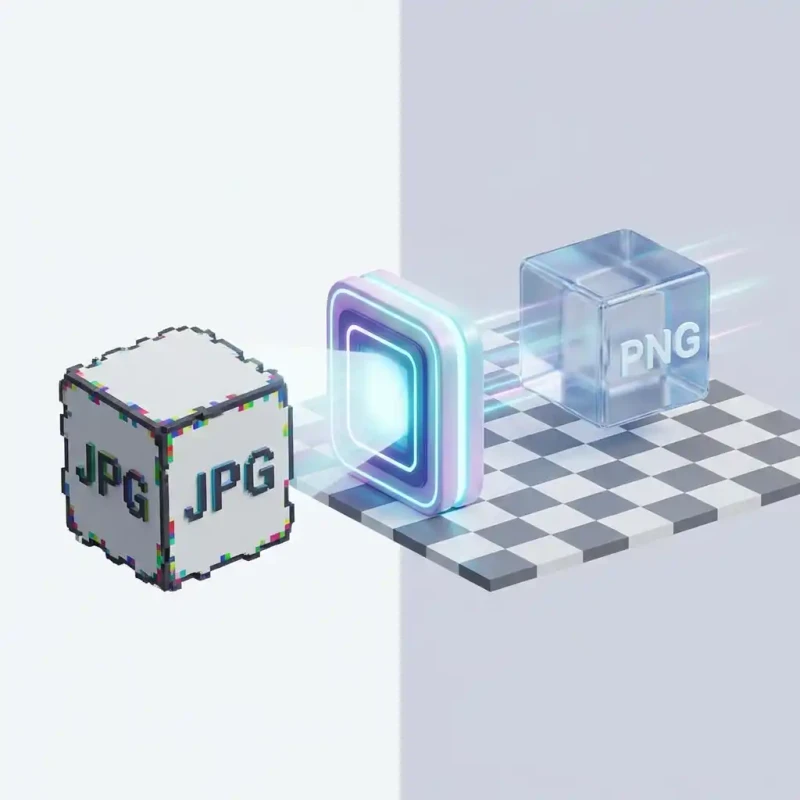
Need transparency or higher quality? Learn how to convert standard JPG images to PNG format instantly without installing software.
It is the classic designer's dilemma: You have a JPG, but you need a PNG. Maybe you need higher fidelity, or maybe the software you are importing into demands it. While both are "images," they are fundamentally different languages.
JPG (JPEG) is built for efficiency—it throws away data to save space. PNG (Portable Network Graphics) is built for precision—it keeps every pixel exact. Converting from JPG to PNG stops the quality degradation dead in its tracks.
MojoDocs offers the fastest way to bridge this gap. Our tool converts your files locally, ensuring that your transition to lossless PNG is secure and instant.
When to Use PNG instead of JPG
Why bother converting?
- Editing: If you plan to edit the photo multiple times, save it as PNG first. Every time you save a JPG, it loses quality. PNG is lossless, so you can save it 100 times with zero degradation.
- Text Clarity: JPGs often cause "artifacts" (fuzziness) around text. PNG keeps text crisp.
- Compatibility: Some web tools or legacy software specifically require PNG inputs.
How to Convert with MojoDocs
1. Drag your JPGs
Whether you have one file or a folder of one hundred, drop them into the MojoDocs window. They list out instantly.
2. Double Check Output Format
Ensure the target dropdown says "PNG". You can also tweak settings if needed, but the default "Lossless" preset is best for this conversion.
3. Convert & Save
Hit the button. Your new .png files are generated in your browser cache. Click "Download All" to grab them.
Does this add Transparency?
A common misconception: "If I convert a white-background JPG to PNG, will the background disappear?"
No. Converting file formats does not magically remove backgrounds. It simply changes the container. However, having the file in PNG format is the first step. Once it is a PNG, you can use other tools (like Photoshop or an online Background Remover) to delete the white pixels, which is impossible to do if it remains a flat JPG.
MojoDocs vs. Desktop Software
Why use a browser tool instead of Preview (Mac) or Paint (Windows)?
- Batching: Built-in OS tools are great for one file, but tedious for 50. MojoDocs handles batches natively.
- Consistency: MojoDocs works exactly the same on your Chromebook as it does on your work PC.
Conclusion
Stop accepting artifacts. When quality matters, switch to PNG. MojoDocs makes the switch free, private, and effortless.