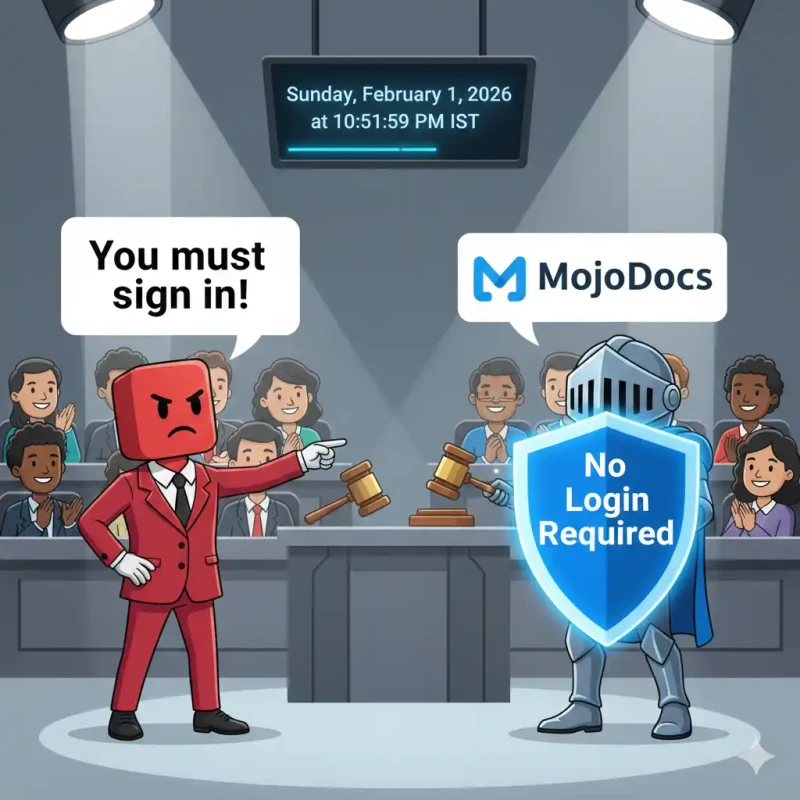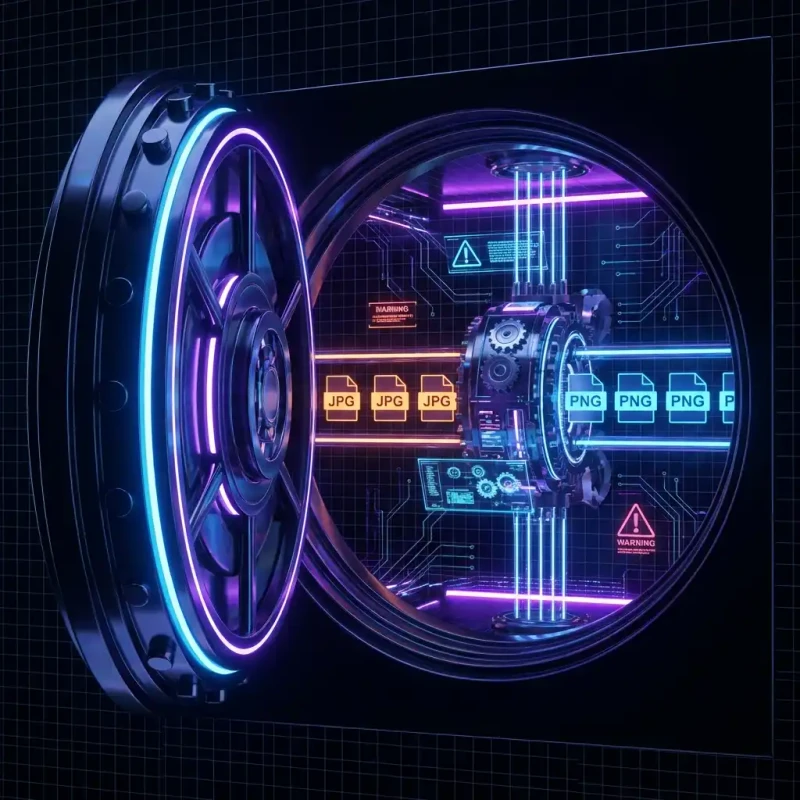
Reduce your PDF file size instantly without compromising document clarity. MojoDocs uses browser-based processing to compress PDFs securely on your device.
"File too large." It is the most frustrating error message in the digital world. Whether you are trying to email a contract, upload a resume to a job portal, or submit a university assignment, that 25MB limit always seems to get in the way.
PDFs are notorious for bloating. A simple 3-page document can easily balloon to 10MB if it contains unoptimized scans or high-resolution logos. The irony? You usually don't need that extra resolution for a digital screen file.
While there are dozens of "Free PDF Compressors" online, they all share a dirty secret: they require you to upload your files. Do you really want to send your tax returns, bank statements, or legal contracts to an unknown server just to save a few megabytes? We didn't think so.
The Safe Way: Browser-Based Compression
MojoDocs introduces a paradigm shift in document handling. Instead of sending your PDF to a server to be squeezed, we send the "squeezer" to you.
Our PDF engine runs inside your browser using WebAssembly. It analyzes the internal structure of your PDF—fonts, images, objects—and optimizes them right on your device. This method is not only safer; it's often significantly faster because you skip the upload/download waiting game.
How PDF Compression Actually Works
What happens when you compress a PDF? MojoDocs employs a three-pronged strategy to reduce weight without making your document look like a potato:
- Image Downsampling: We detect images inside the PDF (like scans or logos) and optimize them using the same smart algorithms as our image compressor.
- Font Subsetting: If your PDF includes a full font family but only uses 10 letters, we strip out the unused characters to save space.
- Object Stream Cleanup: We remove redundant metadata, bookmarks, and hidden layers that add silent weight to the file.
Step-by-Step Guide
Here is how to get your file usage down in seconds:
1. Select Your Files
Drag your PDF (or multiple PDFs) into the MojoDocs dropzone. Remember, since we don't upload anything, you can add sensitive files without worry.
2. Choose Compression Level
We offer three presets tailored to your needs:
- Extreme: Best for text-only documents or internal drafts. Maximum reduction.
- Recommended: The sweet spot. Reduces file size by ~70% while keeping images sharp enough for screens.
- Less Compression: Optimized for print. Removes metadata but keeps high-res assets intact.
3. Instant Download
The moment the progress bar hits 100%, your file is ready. No email sign-ups. No watermarks. Just your file back, but lighter.
Competitor Comparison
Why choose MojoDocs over the big names?
| Feature | Adobe / Smallpdf | MojoDocs PDF |
|---|---|---|
| Daily Limit | 1-2 Files / Day | Unlimited |
| Document Privacy | Stored on Cloud | 100% Local |
| Cost | $12-20/month | Free Forever |
Developer Insight: PDF Syntax Optimization
Under the hood, a PDF is just a text file with a complex structure. MojoDocs parses the PDF tree (the hierarchy of objects) and aggressively removes "dead objects"—segments of code that are no longer referenced by the document but still take up space. This is how we often achieve 20-30% reduction before we even touch the images.
Conclusion
You shouldn't have to navigate a minefield of paywalls and privacy risks just to send an email attachment. MojoDocs brings professional-grade PDF tools to your browser, for free, forever.
Keep your contracts private. Keep your inbox light.