Going on a flight? Working from a remote village? Learn how MojoDocs' Progressive Web App (PWA) technology lets you edit, convert, and compress files without a single bar of signal.
We have all experienced "The Tunnel".
You are on the train or the Metro. You are productive, uploading a PDF to merge or an image to compress. Suddenly, the train enters a tunnel. The signal bars drop to zero. The website shows "Connection Keep-Alive Error". Your work is lost.
The modern web is fragile. It assumes you are always connected to high-speed fiber.
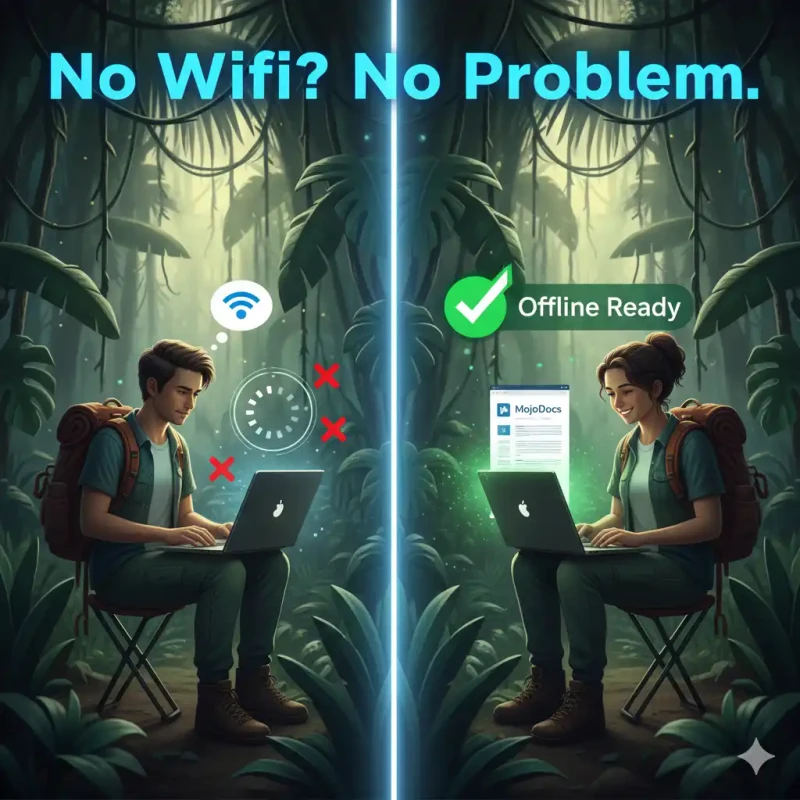
MojoDocs is different. We built it to be Resilient. We treat the Internet as a luxury, not a necessity. Once you load MojoDocs, you can pull the plug, and it keeps running.
The Magic of PWA (Progressive Web Apps)
MojoDocs is technically a website, but it behaves like an App. This is called a PWA.
How It Works (The Service Worker)
When you visit MojoDocs for the first time, your browser stealthily downloads a "Service Worker". Think of this as a mini-server that lives inside your browser.
- First Load (Online): You visit
mojodocs.app. The Service Worker downloads the HTML, CSS, JS, and the crucial WASM engines. It saves them to a special "Cache Storage". - Second Visit (Offline): You type
mojodocs.appwhile on an airplane. The browser asks the Service Worker for the page. The Service Worker says, "I have that saved!" and serves it instantly. No request goes to the internet.
How to "Install" MojoDocs (Get the App Experience)
You don't need the App Store or Play Store. You can install MojoDocs directly.
Installation Guide
On Chrome (Desktop):
Look at the right side of the URL bar. You will see a small "Install" icon (Monitor with a down arrow). Click it. MojoDocs now opens in its own window, without browser tabs, just like Excel or Photoshop.
On Android (Chrome):
Tap the 3 dots menu -> "Add to Home Screen" -> "Install App". It now lives in your app drawer.
On iPhone (Safari):
Tap the "Share" button -> Scroll down -> "Add to Home Screen".
Use Case: The "Field Photographer"
Imagine you are a wedding photographer shooting a pre-wedding shoot in Ladakh or Spiti Valley. Zero network coverage.
The client wants a quick preview photo to post on Instagram NOW.
With Traditional Tools: You are stuck. You can't convert the RAW file. You can't remove the background.
With MojoDocs: You open the app. You drop the 50MB RAW file. It converts to JPEG. You remove the background. You transfer it to the client. All without a single byte of data usage.
The "Flight Mode" Test
We invite you to try this right now.
- Load the Image Compressor tool.
- Turn off your Wifi.
- Drag in a massive 20MB image.
- Watch it compress to 2MB instantly.
This is the power of Local-First software. It respects your time and your autonomy.
Conclusion
Software should work for you, not for your ISP. By making MojoDocs offline-first, we ensure that your productivity is never held hostage by a poor signal.