Discover the technical reality of 'Zero-Data' processing. Learn how MojoDocs uses browser sandboxing to ensure your files never touch a server.
In the world of cybersecurity, there is a simple rule: Data that doesn't exist cannot be stolen. This is the philosophy that drives every line of code at MojoDocs. While most apps focus on how to encrypt your data on their servers, we focused on how to never have your data in the first place.
When you use MojoDocs to merge a PDF or compress an image, it feels like a normal website. But underneath the surface, there is a radical piece of engineering happening. We aren't just a "Website"—we are a local-first application that happens to be delivered through your browser. In this guide, we'll explain exactly how we keep your files safe by keeping them local.
The "Pizza vs. Toaster" Analogy
To understand the safety of MojoDocs, let's look at how most of the internet works. Most sites use the Pizza Delivery Model. When you want a pizza (a result), you give your address and ingredients (your data) to a shop (their server). You have to trust that the chef at the shop doesn't take a photo of your toppings and that the delivery driver doesn't look in the box.
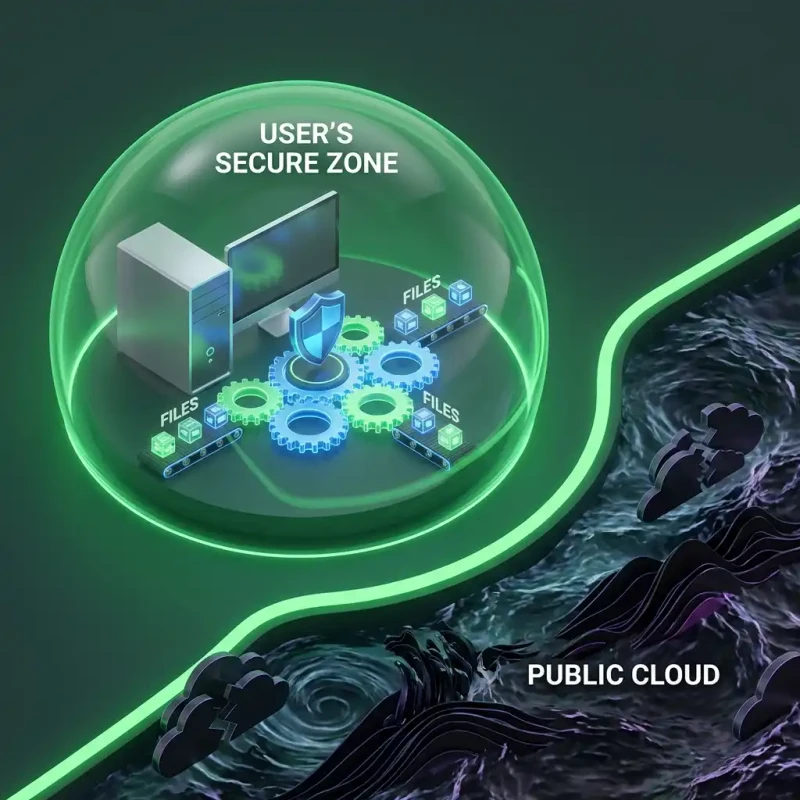
MojoDocs uses the Toaster Model. When you visit our site, we ship you a sophisticated toaster (our code). You keep that toaster in your own kitchen (your browser). You put your bread (your file) in, it pops up toast (the result), and you eat it. We never see the bread, we never know what kind of toast you like, and we certainly don't have a copy of it in our shop. The machine is in your house; the data never leaves.
The Power of the Browser Sandbox
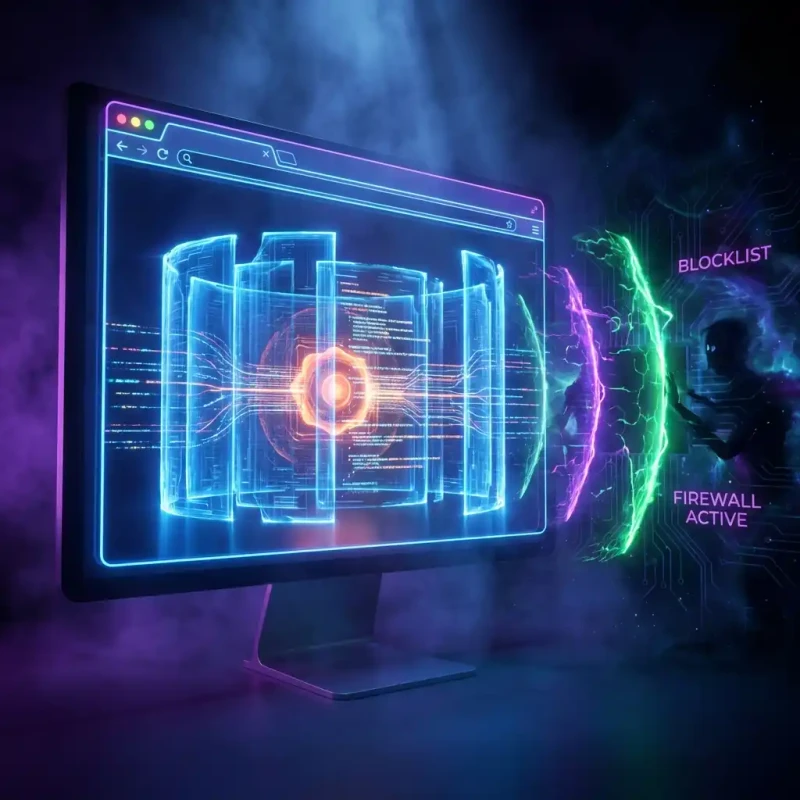
Many users ask, "If the code is running in my browser, isn't that dangerous?" Actually, it's the opposite. Modern browsers like Chrome and Safari are among the most hardened software environments on Earth. They use a concept called Sandboxing.
A sandbox is a restricted environment where code can run without being able to see or touch the rest of your computer. When you open a tab for MojoDocs, the browser builds a wall around that tab. Our code (the WASM engine) lives inside that wall. It can only see the specific file you "give" it by dragging it into the window. It cannot see your pictures folder, it cannot see your saved passwords, and it cannot see other website tabs. This isolation is what makes browser-based tools safer than installing random .exe or .dmg files on your computer.
Data in Motion vs. Data at Rest
Security experts usually worry about two states of data: In Motion (travelling across the web) and At Rest (stored on a hard drive).
- Data in Motion: Traditional tools have to worry about this because your file has to travel to them. Even with HTTPS, there's always a risk of interception at the server entry point. MojoDocs has **zero data in motion** because the file travels exactly 0 inches—it stays in your RAM.
- Data at Rest: Traditional tools have to store your file on their server while they process it. This is where most leaks happen. MojoDocs has **zero data at rest** on our servers. The only place the file is "at rest" is on your own hard drive.
Is it "Cloud" or "Local"?
| The Difference | Cloud-Based Tools | MojoDocs Engine |
|---|---|---|
| Upload Required? | Yes (Mandatory) | No (Zero Upload) |
| Security Model | Trust the Company | Trust the Browser Sandbox |
| Speed Limit | Limited by Upload Speed | Limited by Your CPU |
| Offline Access | Broken | Fully Functional |
Technical Proof for the Skeptic
If you are technically minded, you don't have to take our word for any of this. Browser-based privacy is verifiable. Here is how you can prove MojoDocs is safe:
- Load the MojoDocs tool you need (e.g., the PDF Merger).
- Disconnect your internet completely (Turn off Wi-Fi).
- Drag in your documents and process them.
- Watch as the download finishes successfully.
If our code was sending your files to a server, the process would fail the second you cut the connection. Our ability to work offline is the ultimate certificate of privacy.
The "Incognito" of File Tools
Just like your browser's "Incognito" mode prevents your history from being saved locally, MojoDocs prevents your files from being saved remotely. We don't want to know who you are, what you're converting, or why you're converting it. Our server logs only show "Someone loaded the website," never "Someone uploaded Document_A.pdf."
Conclusion: Privacy as a Feature, Not an Afterthought
We built MojoDocs because we believe that utility tools should be invisible and safe. You shouldn't have to read a 50-page privacy policy just to resize a photo for your LinkedIn profile. By moving the processing to where the data is—your device—we've created a platform that is secure by default, fast by architecture, and private by design.
A Note on Performance
Because your computer is doing the work, you might hear your fans spin up during heavy tasks. That is the sound of privacy. It's much better than the silence of a file being uploaded to a server you don't control.