The Ministry of External Affairs requires a 'plain white' background. Learn how access professional background removal on your phone without uploading your Aadhaar/Passport data to risky cloud servers.
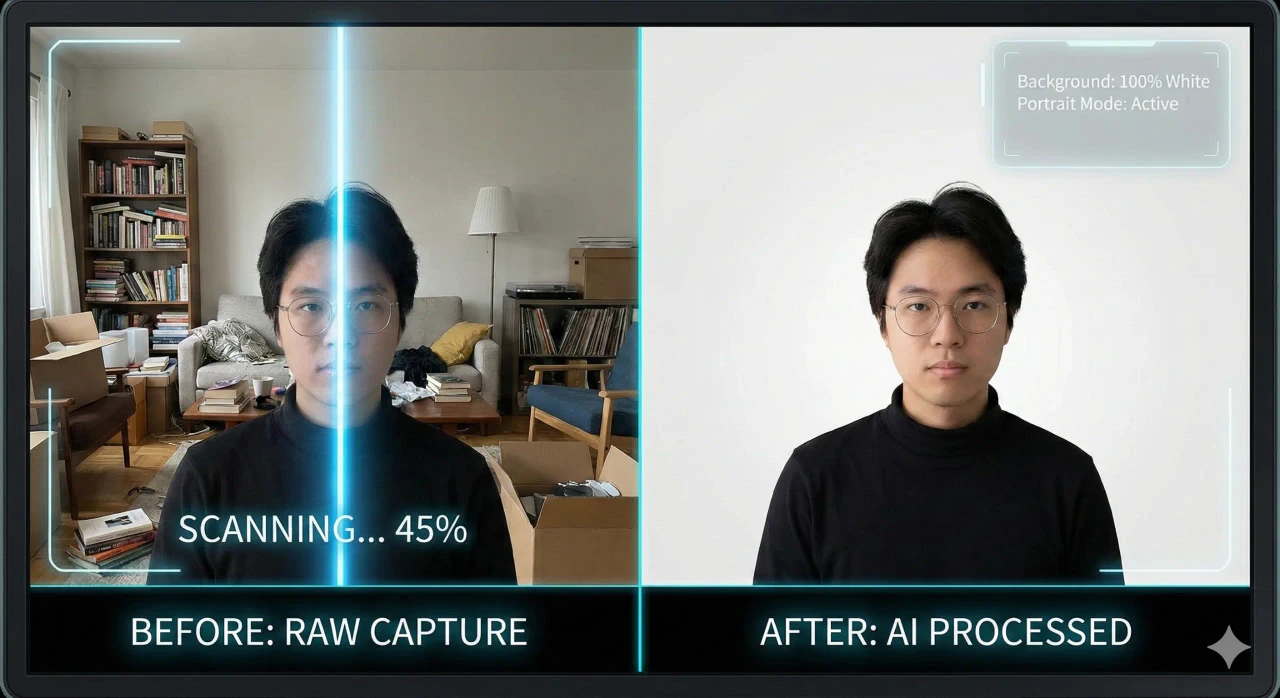
The strict "Plain White" or "Light Grey" background requirement is the number one reason biometric photos get rejected in India. Even a slight shadow, a pattern on the curtain behind you, or a beige tint can cause the automated scanning software at the Passport Seva Kendra to flag your application.
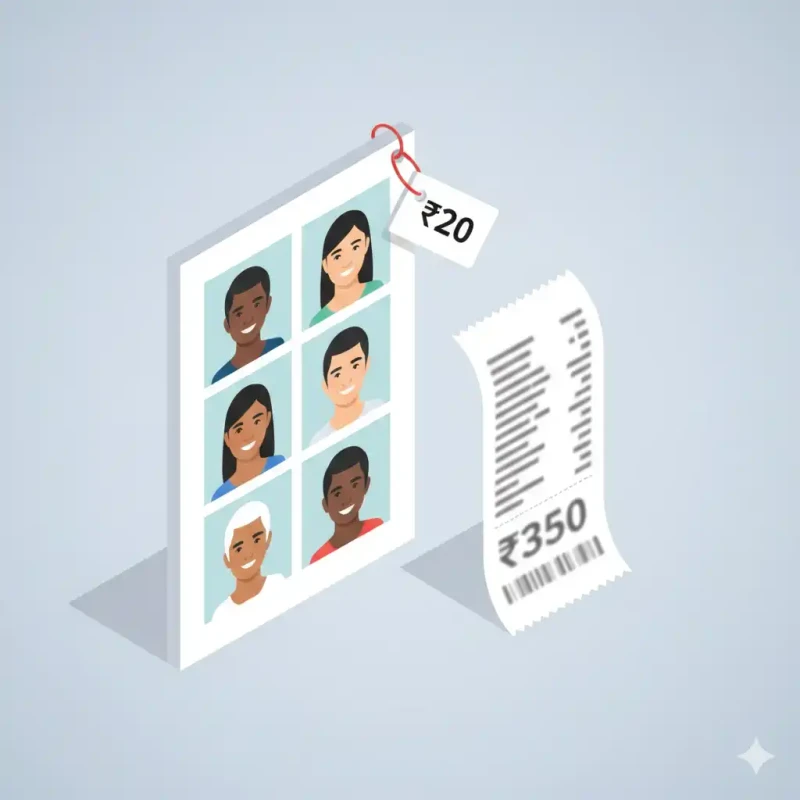
In the past, solving this required either a professional studio visit (costing ₹300-500) or advanced Photoshop skills using the "Pen Tool" to painstakingly cut out hair strands. Today, AI technology has solved this. But there is a catch: most "Free AI Background Removers" are data traps. They upload your high-resolution face to their cloud servers, process it, dry-store it, and often use it for training their facial recognition models.
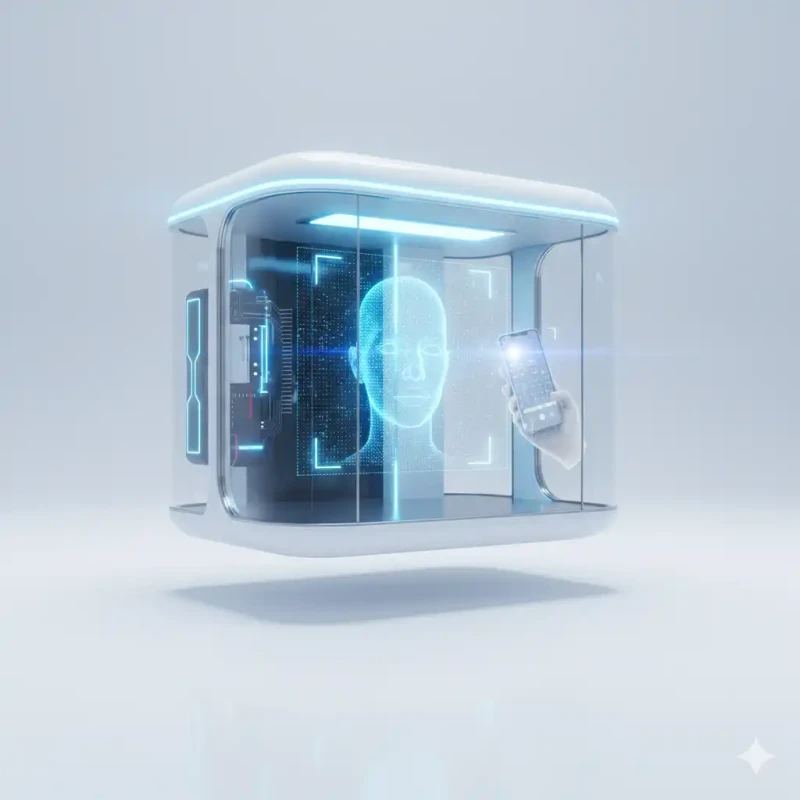
This guide introduces MojoDocs, a privacy-first alternative that brings professional studio capabilities directly to your secure browser session, running safely on your own laptop or phone.
Why the Background Matters: The Physics of Biometrics
You might wonder, "Why does the government care if my wall is off-white?" It isn't about aesthetics; it is about Machine Readability.
Modern Immigration (e-Gate) and ID issuance systems use automated facial recognition scanners. These scanners identify "facial landmarks" (distance between pupils, jawline curve, nose width). To do this accurately, they need High Contrast.
- The Shadow Problem: If you stand against a white wall but cast a hard shadow, the scanner might interpret the dark shadow as "hair volume" or a "second face profile", distorting your biometric map.
- The Pattern Problem: A flowery curtain behind you creates "noise" that confuses edge-detection algorithms.
- The Color Bounce: A colored wall (e.g., bright orange) reflects tinted light onto your skin, making you look unnatural or sickly in the final print.
Digital background replacement creates a mathematically perfect, uniform, flat color code (e.g., Hex #FFFFFF). This is scientifically perfectly calibrated for biometric scanners.
The MojoDocs "Local Edge AI" Difference
Before using any tool on your sensitive ID photos, you must understand the architecture.
Cloud Tools (Adobe Express, Remove.bg, etc):
- Process: You Upload -> Server in US/Europe receives it -> GPU processes it -> You Download.
- Risk: Data interception, server logs, potential hacks, AI training usage.
- Cost: Often limited credits (1 free photo) or low-res previews.
Local Edge AI (MojoDocs):
- Process: You Open Website -> Browser downloads a tiny AI Engine (< 5MB) -> Your Phone/Laptop CPU removes the background -> Image appears.
- Risk: Zero. The image never leaves your device's RAM.
- Cost: Unlimited high-res downloads.
Step-by-Step Guide: From Living Room to Studio
1. Step 1: The Raw Photo (Contrast is King)
Pro Tip: You don't need a white wall. In fact, standing against a dark wall might be better if you have light skin/clothes, or vice versa.
If you have dark black hair, standing against a light blue or cream wall helps the AI separate your hair strands perfectly. Key Rule: Ensure your head is not casting a shadow on the wall. Step 2-3 feet away from the wall.
2. Step 2: Instant Background Removal
Open the Passport Photo Maker.
Upload your photo. Toggle the "Remove Background" switch. In about 2-3 seconds, the background vanishes. You will see a checkerboard pattern (transparency).
Troubleshooting Tip (Frizzy Hair): If the AI accidentally cuts off stray hair or blurs the ears, it means the original photo lacked contrast. Retake photos with better lightning. Don't worry about trying to 'fix' it manually.
3. Step 3: Select Your Color Mode
MojoDocs provides presets for global regulations:
- White (Hex #FFFFFF): Mandatory for India (Passport, PAN, Aadhaar, Voter ID). Also used for USA and Canada.
- Light Grey (Hex #D3D3D3): Mandatory for UK & Schengen. Pure white is legally rejected in these regions because it causes "glare" on their specific paper type.
- Blue: Used for corporate ID cards, Malaysia ID, Qatar ID, etc.
Specific Use Case: The NSDL PAN Card Nightmare
Every Indian citizen knows the pain of uploading a photo to the NSDL/UTIITSL portal for a PAN card.
The Challange:
- Must be 3.5cm x 2.5cm.
- Must be White Background.
- Must be JPEG.
- Must be less than 50KB (!).
Most people fail at step 4. They get a white background, but the file size is 200KB. When they compress it, it becomes blurry.
The MojoDocs Workflow:
- Use Passport Maker -> Remove Background (White) -> Export.
- Go to MojoDocs Image Compressor tool.
- Upload the result.
- Set "Target Size" to 45KB.
- Download. This file will be accepted instantly by the NSDL portal.
Feature Comparison: Why MojoDocs Wins
| Feature | MojoDocs | Remove.bg (Free) | Photoshop (Manual) |
|---|---|---|---|
| Resolution | Original High-Res | Low Res (Preview) | High Res |
| Privacy | Local (Private) | Cloud Storage | Local |
| Diffculty | 1-Click | 1-Click | Hard (Pen Tool) |
| Cost | ₹0 (Free) | ₹25 per credit | ₹1,600/month |
Conclusion
In 2026, privacy is a luxury, but compliant photos shouldn't be. You don't need a green screen studio. You don't need to give your biometric data to a cloud API. With the power of your own browser and modern "Edge AI", you can create the perfect white-background studio shot in seconds.
Whether it's for your NSDL PAN application, your Aadhaar update, or your Europe trip visa, keep your data local and your background perfectly white.