Think installed apps are safer? Think again. Discover why the modern browser sandbox is the most secure environment for processing files in 2026.
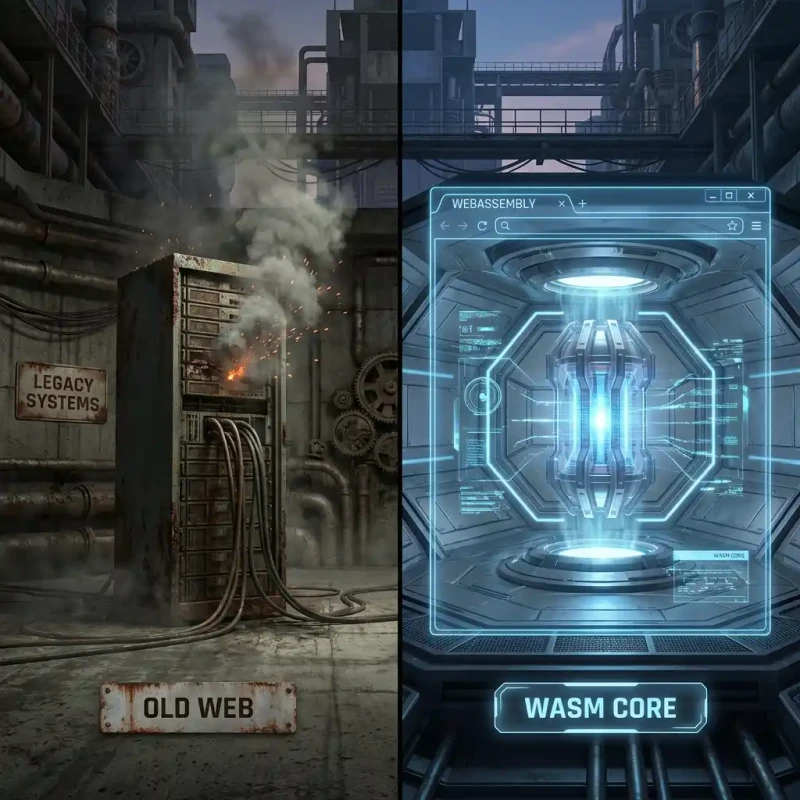
For years, the advice was: 'Download the app for better security.' But in 2026, that logic has flipped. Downloading an .exe or .dmg file gives an application massive permissions to read your disk, access your network, and persist on your system. The Browser, on the other hand, is built on a different principle: Distrust by Default.
At MojoDocs, we bet the company on the browser because we believe it is the most secure operating system in the world. In this explainer, we will dive into 'Sandboxing'—the technology that makes running code in a tab safer than running it on your desktop.
What is a Sandbox?
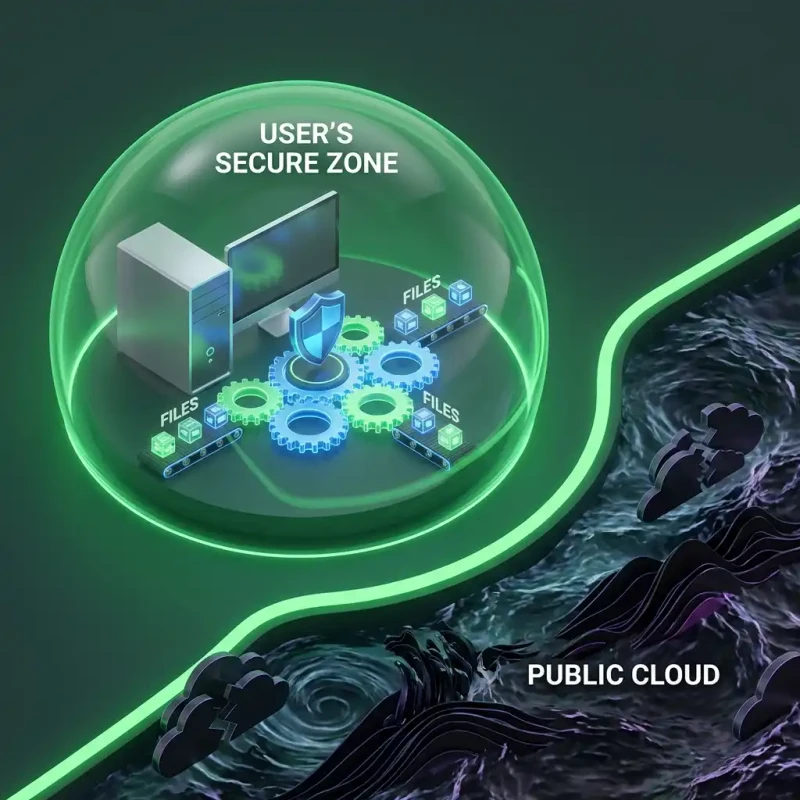
Imagine a playground with a high fence. Kids (code) can play inside, build castles, and run around. But they cannot leave the fence, and they certainly cannot go into the neighbor's house (your hard drive).
Every tab you open in Chrome, Firefox, or Safari is a separate sandbox. The code inside MojoDocs.in cannot see what you are doing on Gmail.com. It cannot read your 'My Documents' folder unless you explicitly drag a file into the playground. This Process Isolation is the bedrock of modern web security.
Why Installed Apps are Riskier
When you install a traditional PDF editor, you often grant it 'Admin' or 'System' level privileges. It can:
- Read any file on your computer.
- Connect to any server in the background without you knowing.
- Install update services that run 24/7.
That is a massive attack surface. If that app gets hacked, your whole computer is compromised.
MojoDocs has none of these privileges. We run with the lowest possible permission set. We can't read your disk. We can't see your other apps. We are locked in the box. And that makes us safer.
The Technical Architecture of Safety
The modern browser is a miracle of engineering. It doesn't just display text; it runs a virtual machine for every website you visit.
1. The Rendering Machine
Your browser takes HTML and CSS and paints pixels. This process is strictly "Read Only" for most of your system.
2. The Javascript Sandbox
The code that runs the logic (Javascript) is trapped in a virtual environment. It has no concept of "C:\Users\" or "/home/". It only knows about the data you explicitly hand to it.
3. The WebAssembly (WASM) Vault
MojoDocs uses WebAssembly to process files. WASM is even more restricted than Javascript. It is a linear memory model that cannot "jump" out of its assigned memory block. It is effectively a math engine that receives a file, does math on it, and returns a result. It cannot "call home," "delete files," or "read contacts."
Comparison: Sandbox vs. Native
| Security Feature | Native App (Installed) | MojoDocs (Browser Sandbox) |
|---|---|---|
| File Access | Often unlimited | Strictly User-Granted (Drag & Drop) |
| Memory Isolation | Depends on OS | Enforced by V8/WASM Engine |
| Background activity | Can run services 24/7 | Killed when Tab Closes |
| Updates | Slow / Manual | Instant (Always Latest Version) |
Conclusion: Trust the Box
In 2026, the browser isn't just a document viewer; it's the most battle-tested security environment on your device. By using browser-based tools like MojoDocs, you are leveraging billions of dollars of security research from Google, Apple, and Mozilla to keep your data safe. Don't install what you can run in a sandbox.
Engineering Insight: Site Isolation
Modern browsers use a feature called 'Site Isolation' to put pages from different websites into different operating system processes. This means that a Spectre-like attack on a malicious tab cannot read the memory of your MojoDocs tab. Your data is physically separated in your computer's RAM.