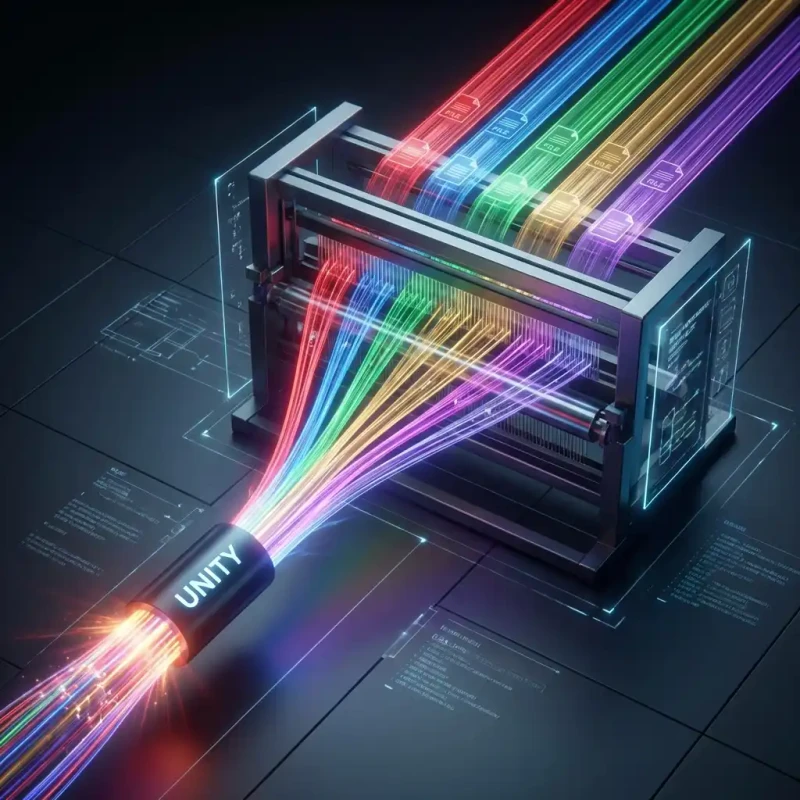
Searching for a 'secure' online PDF merger? MojoDocs offers the only truly private solution where file combining happens entirely in your browser.
Merging PDFs is a common task, but it often involves sensitive documents: tax returns, medical histories, lease agreements. The last thing you should do is upload these to a generic "Free PDF Merger" site.
Most people don't realize that when they use online tools, they are literally sending their files to a stranger's computer (the server). Even if the site claims to be secure, data breaches happen. Why take the chance?
MojoDocs is built on a "Trust No One" architecture. We don't ask you to trust our servers because we don't use them. Our PDF Combiner runs entirely inside your own browser.
The "Upload" Risk
Here is proper security hygiene: Never upload a file you wouldn't want public to a free converter.
When you use a standard tool:
- Your file traverses the public internet.
- It is stored on a temporary disk on a cloud provider (AWS, Google, etc.).
- It is processed by a script.
- It sits there until a "cleanup cron job" deletes it (hopefully).
With MojoDocs, the file moves from your Hard Drive -> Your RAM -> Your Hard Drive. It never touches the internet.
Features of Our Secure Combiner
Security doesn't mean sacrificing features. MojoDocs is a full-featured layout engine.
1. Visual Drag-and-Drop
We don't just list filenames. We render thumbnails of your documents so you can see what you are merging. Drag pages around, reorder sections, or delete accidental duplicates instantly.
2. Mix Format Merging
Need to add a photo of your ID to a PDF contract? No problem. Drop the JPG image right in. MojoDocs will auto-convert it to a PDF page and stitch it into the document seamlessly.
3. Unlimited Merging
Most sites cap you at 20 files. Because we use your computer's power, you can merge 50, 100, or 200 files if you need to.
Comparison: MojoDocs vs. The Rest
| Feature | Typical Online Merger | MojoDocs Secure Merger |
|---|---|---|
| File Privacy | Uploaded to Cloud | 100% Local (Client-Side) |
| Processing Speed | Slow (Upload + Download) | Instant (No Network Lag) |
| File Size Limit | Usually 15MB - 50MB | No Limit (Uses your RAM) |
| Quality | Often Compressed | Lossless Original Quality |
How to Verify the Security
We encourage skepticism. Here is how you can prove MojoDocs is safe:
- The Airplane Mode Test: Load the PDF Merger page. Turn off your Wi-Fi. Now drag in your files and hit merge. It still works. This proves no server communication is needed.
- Network Inspector: Open Chrome DevTools > Network. You will see zero file upload traffic when you process documents.
Conclusion
Security is not a feature; it is a necessity. For your most important documents, don't settle for "probably safe." Choose the tool that is mathematically incapable of leaking your data.
Engineering Insight: Blob URLs
When you merge specific pages, MojoDocs creates a "Blob URL" (e.g., blob:https://mojodocs.in/...). This is a special pointer to a file that exists purely in your browser's memory. Even we cannot access that URL from our servers.