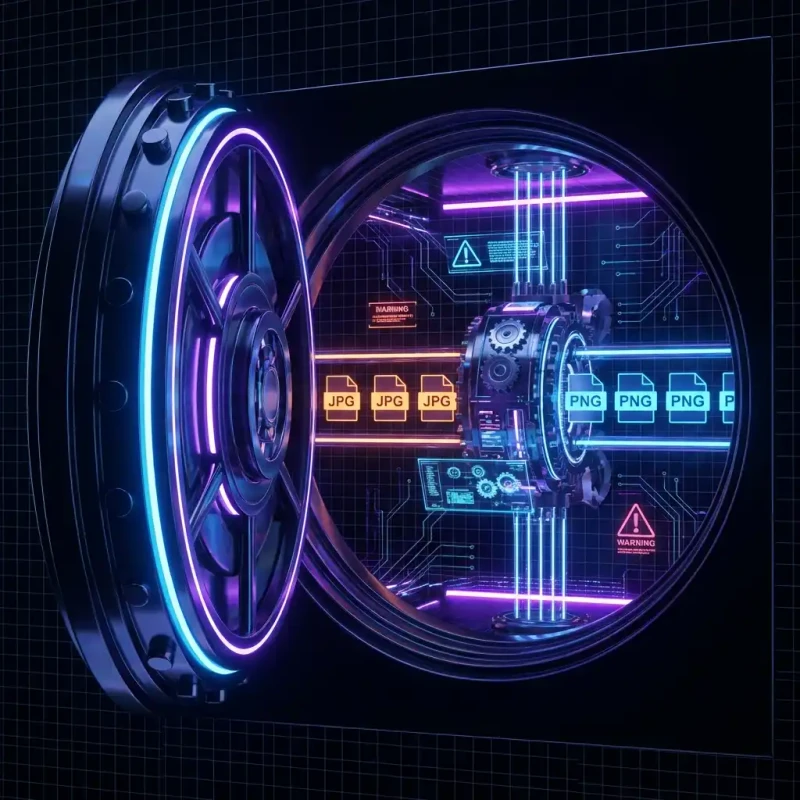
Convert your images securely. MojoDocs keeps your photos in your browser, ensuring 100% privacy when converting JPG to PNG.
We take photos of everything: our driver's licenses, our credit cards, our children, our work whiteboards. Often, we need to convert these JPGs to PNGs for better quality or compatibility. But searching for a "free converter" can be dangerous.
Most top-ranking tools rely on a server-side model. They take your photo, store it on their cloud, process it, and send it back. Do you know who runs that server? Do you know if they scan your image for data? You don't.
MojoDocs offers a privacy-guaranteed alternative. We built a converter that lives in your browser.
Why Privacy Matters for File Conversion
It is easy to think, "It's just a photo, who cares?" But metadata tells a story. A simple JPG contains:
- GPS Coordinates: Exactly where the photo was taken (your home).
- Device Info: What phone you use.
- Visual Data: Faces, text, and personal details.
When you use MojoDocs, this data never leaves your control. The conversion code (WebAssembly) travels to your computer and runs there in a sandbox. It is functionally equivalent to disconnecting your internet cable and using a desktop app.
How to Convert Privately
Secure your workflow in three steps:
1. Open MojoDocs locally
Navigate to our JPG to PNG tool. Once the page loads, the app is "installed" in your browser cache.
2. Process Sensitive Files
Drag in your IDs, legal scans, or private photos. The browser will process them instantly using your CPU.
3. Clear and Close
Download your PNGs. Close the tab. The memory is wiped instantly. There are no server logs to delete because there were no server logs to begin with.
Speed Benefit
Privacy isn't the only perk. Because we don't upload file data, large batches convert instantly.
Converting 50 High-Res photos (200MB) on a cloud tool takes ~5 minutes (uploading takes time). On MojoDocs, it takes ~20 seconds.
Conclusion
If you wouldn't email the photo to a stranger, don't upload it to a free converter. Use MojoDocs and keep your private life private.