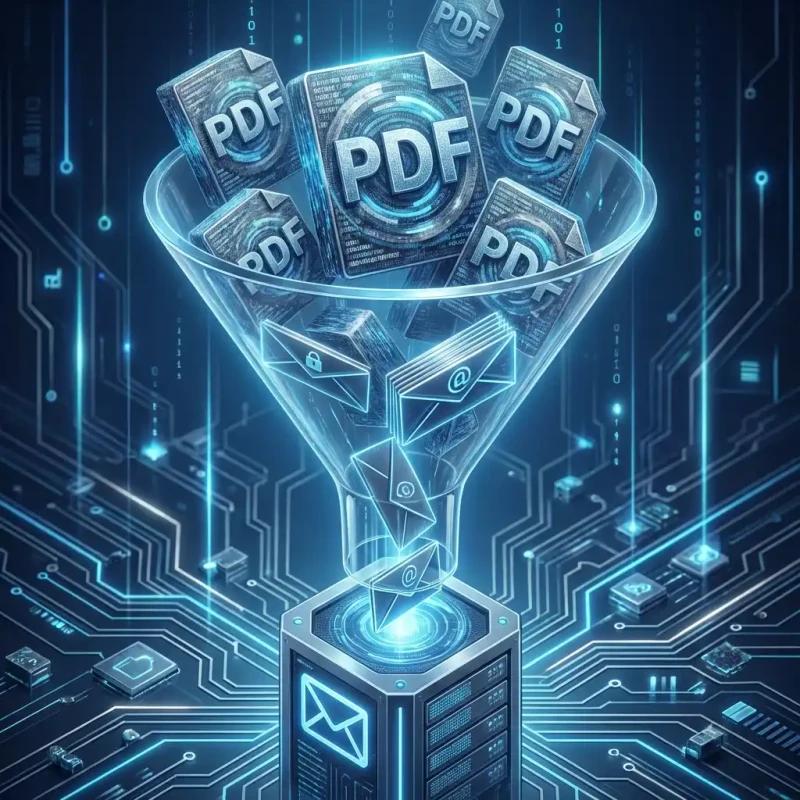
Need to send a large PDF via email? Discover the secure, browser-based way to shrink documents by up to 90% without uploading them to the cloud.
You have just finished a 50-page report. You hit 'Send'. And then... "Attachment size exceeds limit." It is the modern equivalent of the post office telling you your envelope is too heavy.
PDFs are great for portability but terrible for file size efficiency. A few high-res graphics or unoptimized scans can turn a simple document into a 40MB behemoth that refuses to fit through the standard 25MB email pipe.
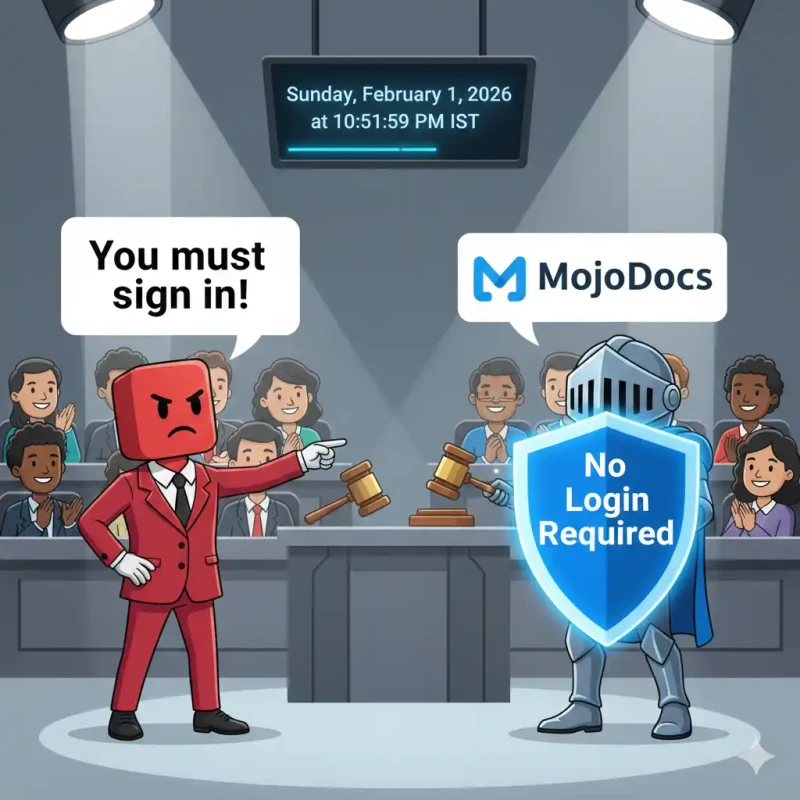
Finding a "PDF Reducer" is easy. Finding one that you can trust with your contracts, tax forms, or personal IDs is hard. Most free tools demand you upload your file to their server. MojoDocs is different.
The Security Gap in Online PDF Tools
When you Google "shrink PDF," you get millions of results. But almost all of them operate on a "Cloud Upload" model:
- You upload your private document to a server in a foreign country.
- The server processes it.
- You download it back.
During that time, your data is vulnerable. Who owns that server? Is the connection encrypted? Do they delete the file immediately, or is it backed up to a log somewhere? For sensitive documents, this risk is unacceptable.
The MojoDocs Solution: We brought the compression engine to you. Our tool runs locally in your browser. Your PDF is loaded into your computer's RAM, compressed by your CPU, and saved back to your disk. No upload. No intercept risk. 100% Secure.
How to Shrink a PDF for Email
Get your file under the 25MB limit in three clicks:
1. Drag Your Heavy PDF
Drop the file into the MojoDocs PDF Compressor. You will see it appear instantly because there is no upload wait time.
2. Choose "Recommended" Compression
We offer variable strength settings, but for email, our Recommended profile is the gold standard.
It intelligently:
— Downsamples images to 144dpi (perfect for screens).
— Removes embedded fonts that aren't used.
— Strips invisible metadata.
This typically results in a 70-90% reduction while keeping the text razor-sharp.
3. Save & Send
Click download. Your new file is ready to be attached. If it was 30MB, it's likely now ~3MB.
Scanned Documents: The worst Offenders
Scanned PDFs are the biggest storage hogs because they are essentially just a stack of high-res images. A 10-page scan can easily be 50MB.
MojoDocs excels here. Our engine detects these image layers and applies aggressive (but visually consistent) compression to them. We have seen users shrink 100MB scanned legal bundles down to 8MB without losing legibility.
Comparison: MojoDocs vs. Adobe Acrobat
| Feature | Adobe Acrobat Pro | MojoDocs PDF |
|---|---|---|
| Price | $19.99 / month | Free |
| Privacy | Cloud or Local (Desktop) | Always Local (Browser) |
| Platform | Desktop App Required | Any Browser (Mobile/PC) |
Conclusion
You don't need expensive software or risky cloud tools just to send an email. MojoDocs provides a secure, free, and efficient way to ensure your attachments always land in the inbox.