Stop guessing what's inside your files. Use MojoDocs' visual PDF editor to rearrange, rotate, and combine pages into a perfect professional document.
We've all been there: you have five different PDF files that need to be turned into a single report. But it’s not as simple as "File A + File B." Chapter 2 is in the wrong order, Page 14 is upside down from a bad scan, and there's a blank page at the end of Chapter 3 that makes the whole thing look amateur. Traditional PDF tools make fixing this a tedious, expensive chore. MojoDocs makes it a 30-second task.
The problem with most "Online PDF Mergers" is that they treat your documents like black boxes. They show you a list of filenames like scan_012.pdf and ask you to join them. You can't see what's actually on Page 3 until AFTER you've merged and downloaded it. If it's wrong, you have to start all over again.
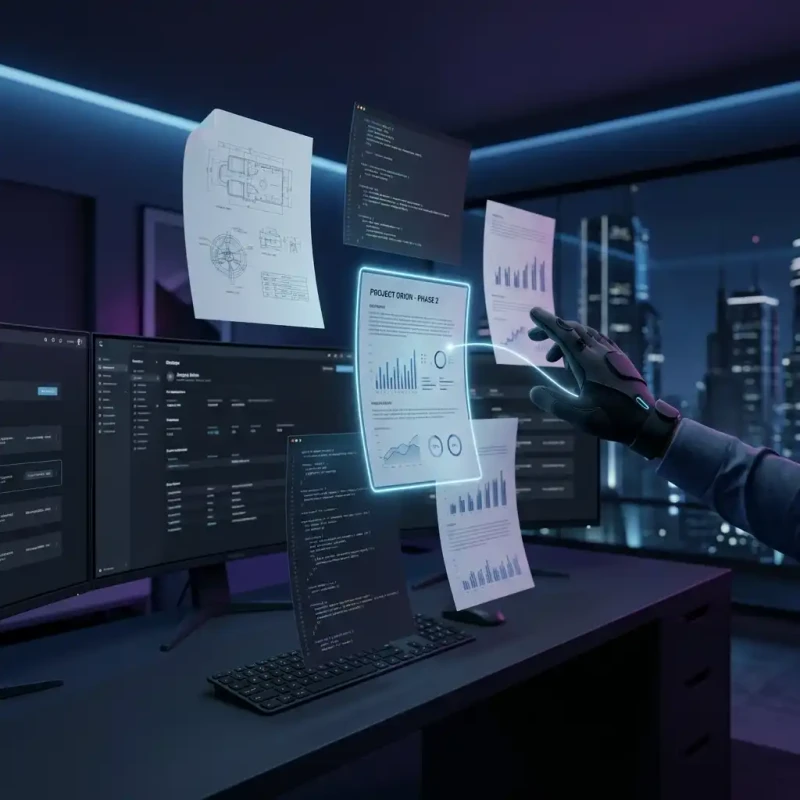
MojoDocs changes the rules. We don't just "Merge" files—we provide a Visual Workspace where you can treat digital pages like physical papers on a desk.
The Power of Visual Previews
When you drop a file into the MojoDocs PDF Combiner, something different happens. Instead of a progress bar for an upload, you immediately see thumbnails of every single page. This visual-first approach is revolutionary for productivity:
- Instantly Spot Errors: You can see immediately if a document was scanned upside down or if you picked the wrong version of a file.
- Precise Reordering: Want to move the "Conclusion" to the front for a quick summary? Just drag and drop the page thumbnail. It’s exactly like rearranging physical photos.
- Clean Pruning: Most PDF merges include "fluff"—blank pages, separator sheets, or irrelevant appendices. In MojoDocs, you just click the trash icon on the thumbnail to remove that page from your final merge.
Real-World Use Case: The Professional Packet
Whether you're a high-school student, a real estate agent, or a paralegal, you need professional-grade document assembly. Let's look at how MojoDocs handles a typical project:
- The Import: You drag in your CV (PDF), your Portfolio (PDF), and a scan of your ID (JPG).
- The Rotation: You notice the ID scan is sideways. You click "Rotate" once on its thumbnail. Fixed.
- The Insertion: You realize your Portfolio should be broken up. You drag the front cover of the portfolio to the very start of the document.
- The Final Polish: You delete the blank "Credits" page from the end of your CV to keep the packet tight.
In less than a minute, you have a custom-assembled PDF that looks like it was created by an expensive design firm.
Comparison: MojoDocs vs. The Competition
| Feature | Standard "List" Merger | MojoDocs Visual Combiner |
|---|---|---|
| UI Visibility | Filenames only | Page Thumbnails (Visual) |
| Individual Page Control | None | Reorder, Rotate, Delete |
| Mixing Formats | Convert to PDF first | Drop JPG/PNG directly |
| Privacy Level | Cloud Storage Risk | 100% Browser Local |
A High-Privacy Haven for Documents
Merging PDFs often involves sensitive information: tax returns, medical records, or corporate contracts. Sending these files to a server-side "Free Tool" is a massive security risk.
Because MojoDocs is built on WebAssembly, the entire "Assembly Line" for your PDF runs inside your browser tab. We don't see your pages, we don't store your documents, and we don't track your content. You get the privacy of an offline desktop app with the convenience of a modern website.
No Limits, No Paywalls
Many competitors limit you to "2 merges per day" or "Max 20 pages." We don't. Our local-first architecture means your computer is doing the work, so it doesn't cost us extra for you to use it. Whether you're merging a 2-page letter or a 400-page engineering manual, MojoDocs handles it with the same speed and ease.
Conclusion: The Smart Way to Merge
Don't settle for tools that hide your content from you. PDF management should be visual, intuitive, and private. MojoDocs gives you the workspace you need to create the perfect document every time.
Technical Tip: The Power of Mixed Batches
Did you know MojoDocs can handle image-to-PDF conversion *during* the merge? Our engine creates a canvas for every non-PDF file and wraps it into the PDF stream locally, preserving the original resolution and color profile perfectly.