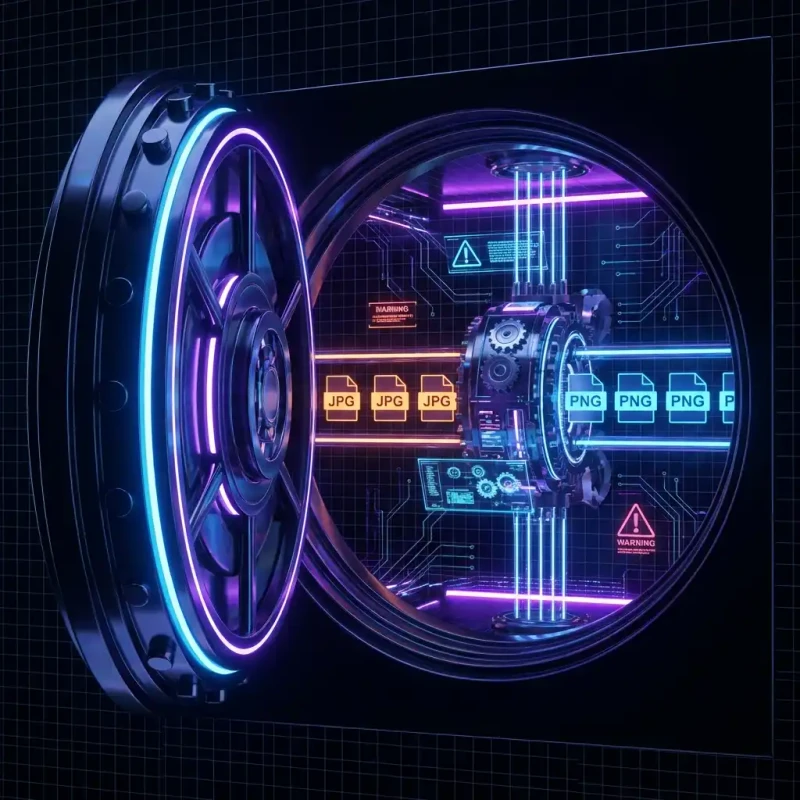
Discover the fastest way to batch compress hundreds of images instantly in your browser. No upload limits, 100% private, and supports JPG, PNG, and WebP.
If you have ever tried to optimize a folder of 50 product photos using a typical online tool, you know the pain. "Max 20 files allowed." "Upload in progress..." "Server busy." It is 2026; why are we still waiting for files to upload just to shrink them?
Bulk image optimization is essential for e-commerce managers, photographers, and web developers. Yet, the market is flooded with tools that artificially throttle your productivity to sell you a "Pro" subscription. They cap your file count, throttle your speed, and risk your data privacy by forcing server-side processing.
MojoDocs flips the script. By moving the compression engine into your browser using WebAssembly, we remove the server bottleneck entirely. The result? You can batch compress 100, 200, or 500 images in seconds without a single byte leaving your computer.
The "Cloud Bottleneck" in Batch Processing
Traditional bulk optimizers operate on a flawed model:
- Step 1: Upload. You push 100MB of data through your internet connection. Time wasted: 2-5 minutes.
- Step 2: Queue. Your images sit in a server queue waiting for a worker node. Time wasted: 1-2 minutes.
- Step 3: Download. You pull the processed files back down. Time wasted: 2-5 minutes.
That is nearly 10 minutes of friction for a task that should take 30 seconds. Plus, if your internet drops, you start over.
The Local Advantage: With MojoDocs, the "Upload" and "Download" steps are eliminated. The moment you drop files, your CPU cores spin up and crunch data immediately. It is raw processing power, unconstrained by network speed.
How to Batch Compress Images with MojoDocs
Here is how to crush a massive backlog of images in under a minute:
1. Drag and Drop... Everything
Don't cherry-pick. Grab your entire folder of mixed assets—JPGs, PNGs, WebPs—and drop them onto the tool. There is no "20 file limit" here. If your computer can handle it, so can we.
2. "Smart Auto" vs. Granular Control
For most users, our Smart Auto setting hits the sweet spot (roughly 80% quality). It uses perceptual algorithms to strip invisible metadata and reduce color depth slightly where the eye cannot notice.
Power users can click into individual files to tweak settings, but the real magic is applying a global compression level to the entire batch with one slider.
3. One-Click ZIP Download
Once processed, don't waste time clicking "Download" 50 times. MojoDocs bundles your optimized batch into a clean ZIP file, preserving your filenames so you can easily overwrite the originals in your project.
Feature Showdown: Cloud vs. Local
Why switch to a local-first bulk optimizer? The numbers speak for themselves.
| Feature | Typical Cloud Tool | MojoDocs Bulk Engine |
|---|---|---|
| Batch Limit | 20 Images | Unlimited* |
| Processing Speed | Network Dependent | Instant (GPU/CPU) |
| Privacy | Files Uploaded | 100% Private |
| File Size Limit | 5MB per file | No Limit |
*Limited only by your device's available memory.
Technical Insight: Multithreading in the Browser
MojoDocs leverages Web Workers to process images on separate threads. This means the UI remains responsive even while you are crunching gigabytes of data. We effectively turn your browser tab into a native desktop application.
// Conceptual example of how we dispatch workers
const worker = new Worker('compressor.js');
files.forEach(file => {
  worker.postMessage({ file, quality: 0.8 });
});
Conclusion
Bulk image optimization shouldn't be a paid feature. It is a basic necessity for the web. By utilizing modern browser capabilities, MojoDocs returns the power to you, the user.
Stop waiting for uploads. Stop hitting paywalls. Start optimizing efficiently.