Stop paying ₹500 per photo. A comprehensive expert guide for Indian sellers on shooting, editing, and optimizing product photos for Amazon, Flipkart, and Meesho compliance using free local AI tools.
If you are an online seller in India, you have likely faced the dreaded "Suppressed Listing" notification. You upload your catalog, spend hours writing descriptions, and 24 hours later, Amazon India sends you a "Quality Alert": "Main image must have a pure white background."
It sounds like a small detail, but in the world of E-commerce, the White Background is the law. It is not a suggestion. It is the gatekeeper between your product being seen by millions or buried on Page 10.
For established brands like Nike, Boat, or Mamaearth, this is easy—they have in-house studios and retinues of editors. But for a solopreneur launching a D2C brand from a home office in Jaipur, or a reseller in Surat, the cost of photography can be a business-killer.
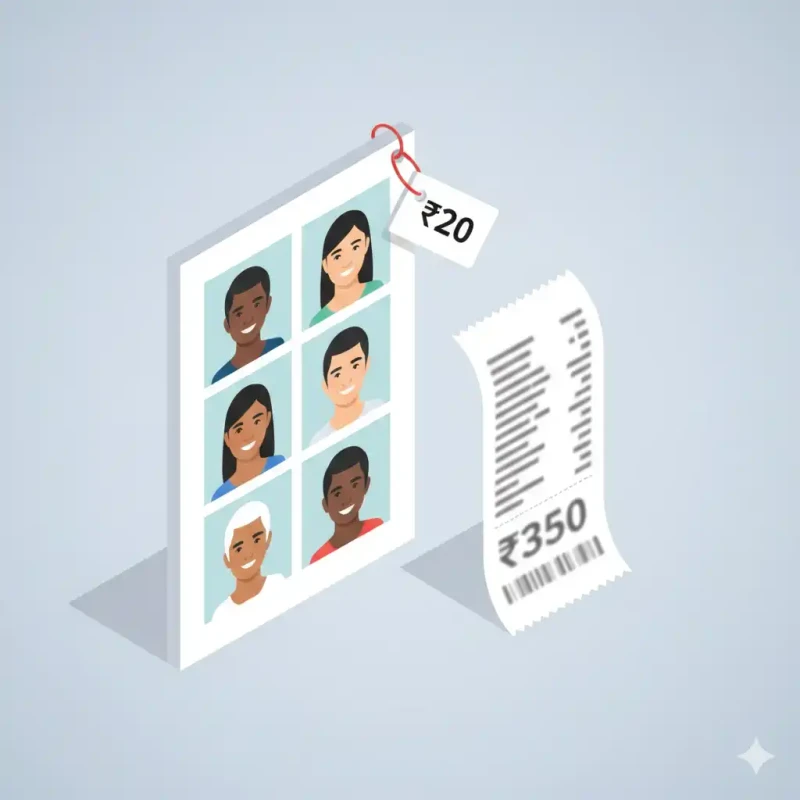
The Math of Outsourcing:
- Professional Studio Rate: ₹300 - ₹500 per photo.
- Minimum Photos per Product: 5 angles.
- Catalog Size: 50 Products.
- Total Cost: ₹75,000 to ₹1 Lakh just for photos.
This comprehensive guide is going to save you that ₹1 Lakh. We will teach you how to build a professional photography workflow using just three things: Your Smartphone, Sunlight, and MojoDocs Local AI.
Part 1: The "Algorithm" of Marketplaces
Before we pick up the camera, you need to understand why these rules exist. Knowing the rules helps you beat them.
Amazon India (The Strict One)
Amazon's A9 algorithm is ruthless. It prioritizes the "MAIN" image above all else.
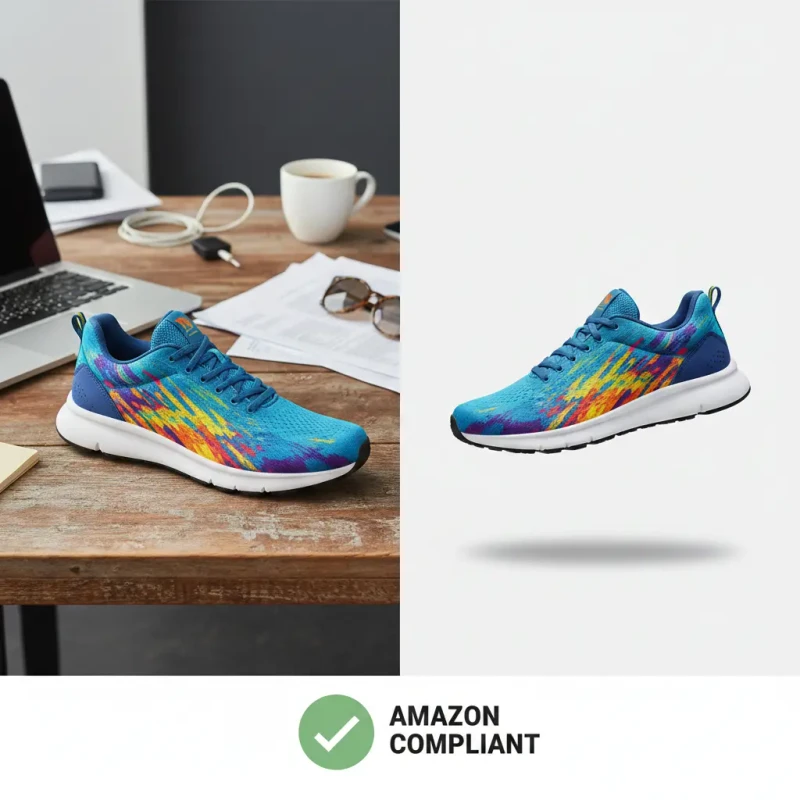
- Background: Must be RGB 255, 255, 255 (Pure Digital White). Not "Wall White". Not "Off-White". Pure #FFFFFF.
- Product Fill: The product must occupy at least 85% of the frame.
- Resolution: Minimum 1000px on the longest side (to enable the "Zoom" feature).
- Prohibited: No watermarks, no "Made in India" logos, no "Best Seller" badges, no props.
Flipkart (The Visual One)
Flipkart is slightly more lenient on secondary images, but the primary listing image has the same requirement. Consistency on the search results page is key for their UI.
Meesho & Myntra (The Aesthetic Ones)
While Meesho allows "Lifestyle" shots (e.g., a Saree worn by a model in a garden), the best-performing listings still use a clean white background for the first slot to clearly show the color and pattern without distraction.
Part 2: The Studio Setup (The "Jugaad" Method)
You don't need a ₹50,000 Sony Alpha camera. Modern phones (iPhone 13+, Samsung S-Series, Pixel) have computational photography that rivals DSLRs for web use. But a great camera cannot fix bad light.
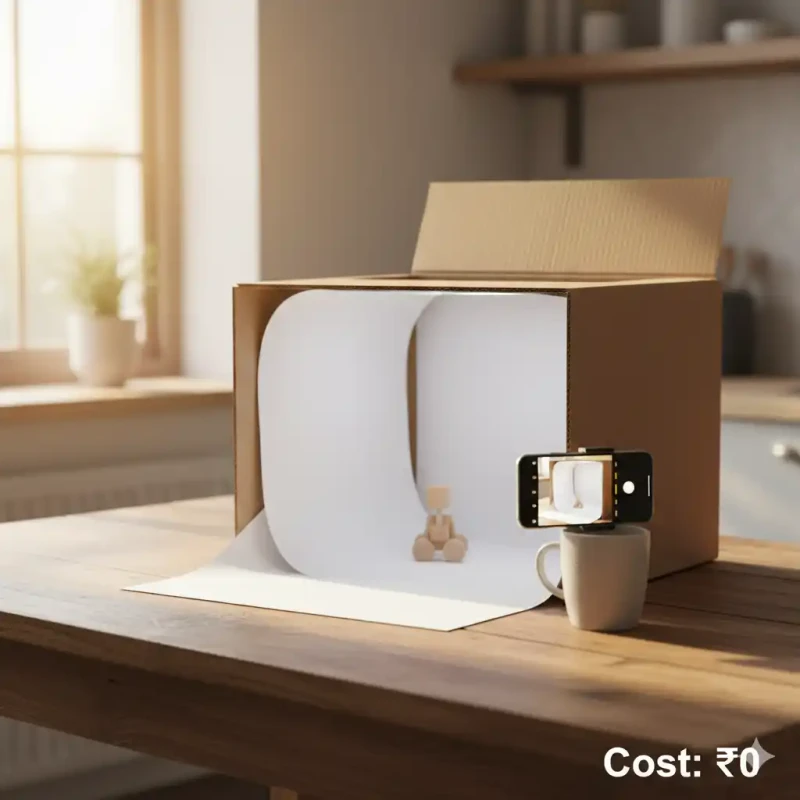
The "Window + Chart Paper" Hack (Cost: ₹20)
- Buying the Infinite Curve: Go to a stationery shop. Buy a large sheet of thick White Chart Paper (Imperial size).
- The Setup: Find a table near a large window. Tape the top of the chart paper to the wall and let it curve gently onto the table. Do not fold it! You want a smooth, seamless curve (called an "Infinity Cove" in pro studios).
- The Lighting:
- Golden Rule: Turn OFF your room's tubelight/bulb. Mixing yellow bulb light with blue sunlight creates messy colors.
- Place the table so the window is to the Side of the product. This creates a "3D" look with soft highlights.
- If the sunlight is too harsh (direct beams), tape a simple sheet of tracing paper or a thin white cloth over the window. This acts as a "Diffuser" (Softbox).
Part 3: Shooting the Product
Now that your stage is set, here is how to shoot for AI processing.
1. Contrast is King
AI Background Removers work on "Edge Detection". They look for the boundary where the product ends and the background begins.
- Rule: If your product is dark (e.g., a black wallet), the white chart paper is perfect.
- The "White on White" Problem: If you are selling a white T-shirt or a clear glass bottle, shooting on white paper is a mistake. The edges will blur.
- The Fix: For white products, use a Black Chart Paper background. Yes, really. It sounds counter-intuitive, but it gives the AI a razor-sharp edge to cut. We will turn the black background to white digitally later!
2. Eliminate Blur
Blurry photos are rejected by Amazon. Blur happens because your hands shake.
- Use a tripod. If you don't have one, stack some books and prop your phone against a mug.
- Use the 3-second Timer. Tapping the screen shakes the phone. The timer lets it stabilize.
3. The "Telephoto" Trick
Never use the default "1x" wide lens for small products. It distorts the shape (Fisheye effect). A square box will look round.
Solution: Step back 4 feet and use the 2x or 3x Telephoto lens. This compresses the image, making the product lines straight and professional.
Part 4: The MojoDocs Editing Workflow
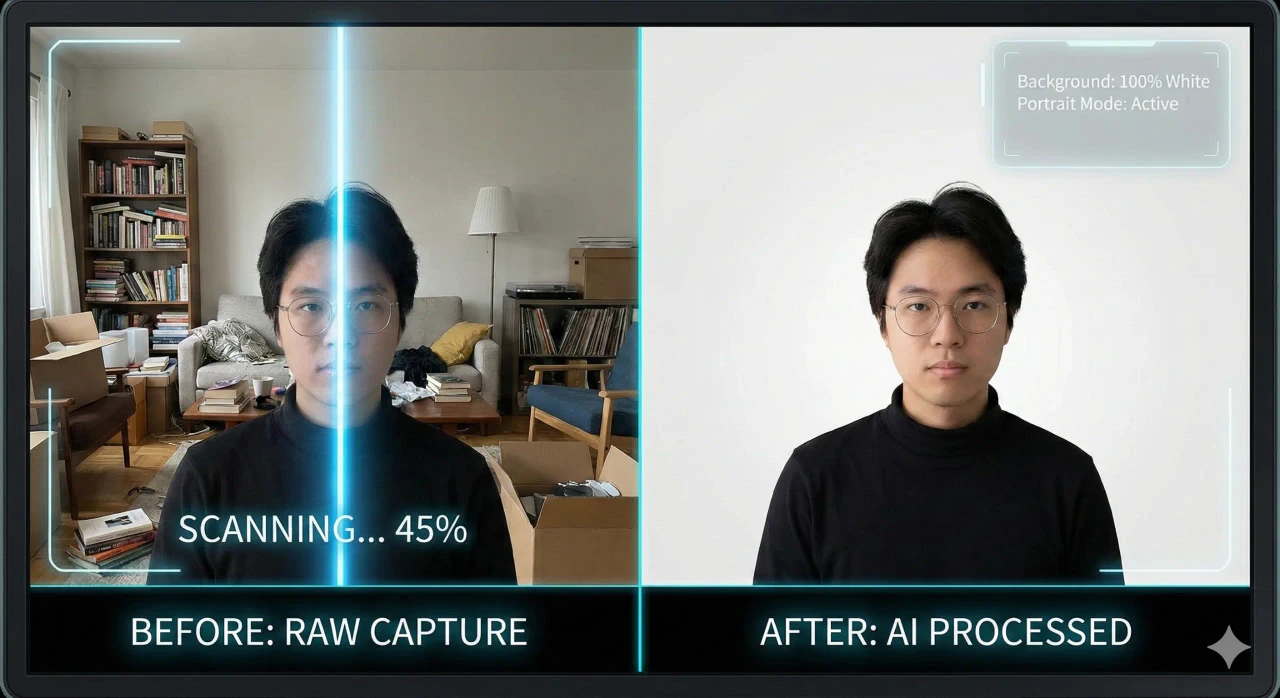
You have your raw photos. They look good, but the background is still "Real World" white (which looks greyish), and there might be dust on the paper. Let's fix it.
Step 1: Upload to Local AI
Open the MojoDocs Background Remover. Drag your photo in.
Why MojoDocs? Other tools like Remove.bg shrink your image to a tiny 500px preview unless you pay money. MojoDocs keeps your full 4000px resolution. Amazon needs zoom; you need pixels.
Step 2: Check the "Mask"
The AI will remove the background. Immediately check the edges.
- Hair/Fur: If you are selling teddy bears or faux-fur coats, our AI is specifically trained to keep the "fuzziness" of the edges intact.
- Glass/Transparency: If you are selling a transparent water bottle, this is tricky. The AI might think the see-through part is "background". In this case, ensure you shot it against a solid color.
Step 3: Apply "Amazon White"
In the editor, switch the background mode to "White" (Hex #FFFFFF).
Critical Step (The Shadow): A product floating in white space looks fake. It looks like a sticker. To make it look "grounded":
Currently, our AI removes the shadow. But a pro tip is to use Canva afterwards to add a subtle "Drop Shadow" or "Reflection" underneath. This increases conversion rates by 15% because it adds depth.
Step 4: The "Padding" Rule
Amazon requires the product to fill 85% of the frame. But you don't want it touching the edge.
MojoDocs automatically centers your subject. Ensure there is visible "breathing room" (white space) on all four sides. If the product touches the edge, the listing often looks cramped on mobile apps.
Part 5: Bulk Processing Strategy (50 Products in 10 Minutes)
If you have a massive catalog, doing this one by one sounds slow. Here is the efficiency workflow:
- Shoot All First: Don't shoot-edit-shoot. Dedicate Monday morning to Shooting. Shoot all 50 products.
- Transfer to Laptop: Airdrop or copy all photos to a folder.
- Open MojoDocs in Multiple Tabs: Since our tool processes locally, you can open 5 tabs.
- Process in Batches: Drag, Convert, Download. Drag, Convert, Download.
- Naming Convention: Rename files to
SKU_Main.jpg,SKU_Back.jpgimmediately. Organization saves sanity.
Part 6: Privacy & Intellectual Property (The Hidden Risk)
This is a topic most seller coaches ignore. Product Piracy.
Let's say you have designed a unique, patent-pending jewelry piece or a new type of ergonomic mouse. You haven't launched it yet. You upload the high-res photos to "FreeOnlineEditor.com".
Read their Terms of Service: "By using our service, you grant us a non-exclusive license to use your content for improving our services..."
This means your unreleased design is now sitting on a server in China or USA, potentially accessible to AI training datasets or rogue employees. We have seen cases where designs appear on AliExpress before the original creator even launches.
The MojoDocs Guarantee:
- Architecture: We use Client-Side WebAssembly.
- Data Flow: Image -> Browser RAM -> AI Model -> Result -> Hard Drive.
- Server Involvement: None. Zero.
Your designs stay on your machine. You are the only one who sees them. This is crucial for trade secret protection.
Conclusion: Speed is Your Advantage
In the fast-moving Indian e-commerce market, speed is everything. If you see a trend (e.g., "Shark Tank India" products), you want to launch a competitor within days, not weeks.
Waiting for a photographer takes 7 days. Using MojoDocs takes 7 minutes. That agility allows you to test more products, fail faster, and find your winning listing sooner.
So grab your phone, clear your table, and start building your empire today.